I've been testing the Codex official macOS app for the last couple of weeks. Yes, funny, I know! But I didn't know they were making their own until a week after I started and released Codex Monitor!

It's OpenAI's take on the IDE of the future, and it's pretty good!

🧵for more
First: you can download it here: http://chatgpt.com/codex

Now, about some of the features👇

Codex

A cloud-based software engineering agent that answers codebase questions, executes code, and drafts pull requests.

ChatGPT

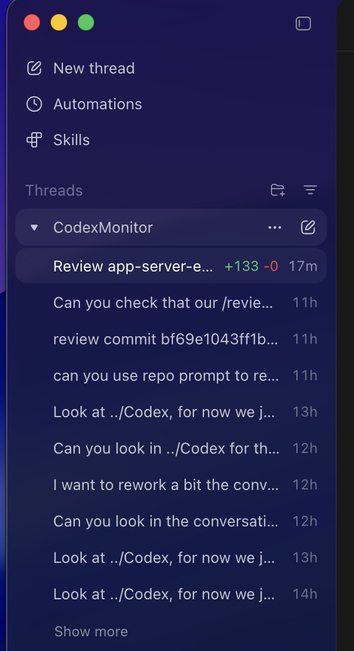
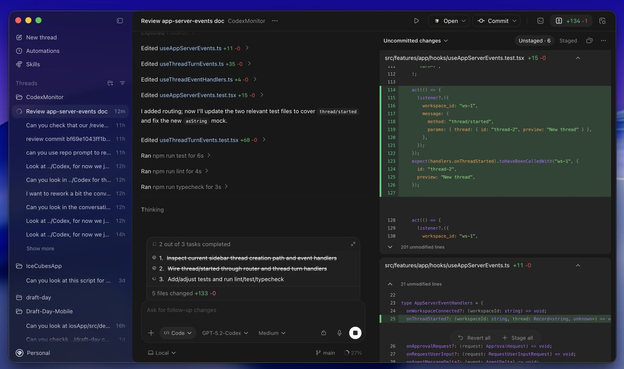
You can see all your agents' threads per workspace in the sidebar and quickly switch between them.

It has most of what I ever wanted from those new kinds of agentic/orchestrator IDEs.

And no, no code editor, we all agree on that!

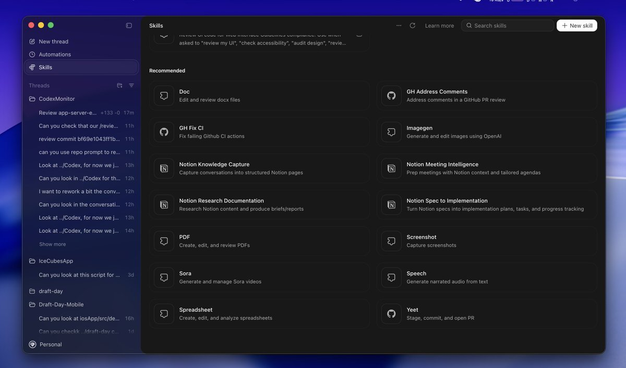
You can also manage and edit your skills and install new ones from an ever-growing marketplace of skills! Also within the new Codex app!

Can't wait to see where this will go. Skills have been a bit messy, with a ton of libraries and repos all over the place.

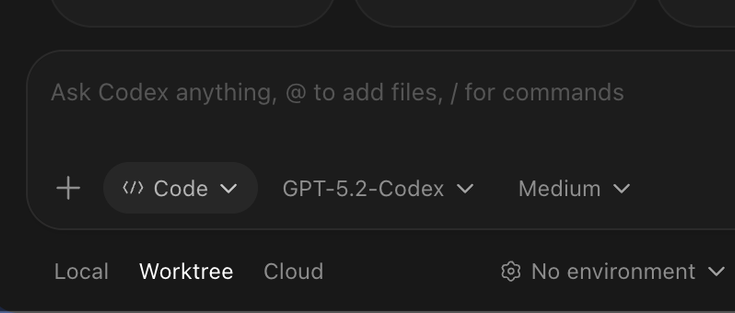
Another awesome feature is that you can easily start new agents locally, in a worktree, or as a cloud agent. To me, that's a super powerful feature! Your worktree and cloud agents are combined in the sidebar. And you can easily apply cloud/worktree changes on your local repo.
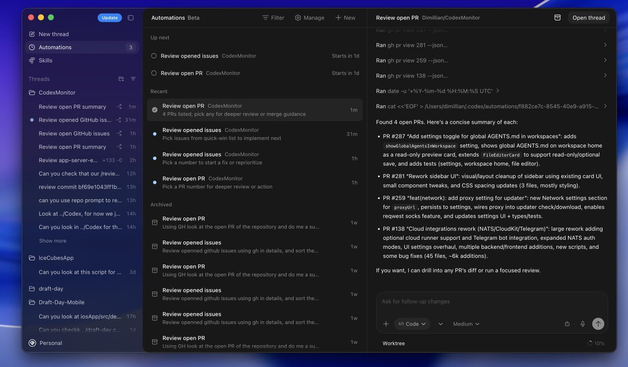
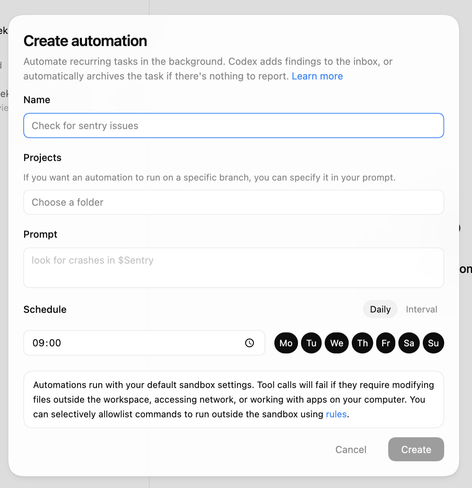
Another feature they have is automation! You can create an agent cron job that runs on a specific day at a specific time. In my case, I have a daily review of my open PR and issues, but what you can do is pretty limitless!

About worktree: the Codex app has a very cool feature. Once you have changes on a worktree, you can sync the change to your local repo, it'll create a branch for you and keep it in sync between your worktree and repo.

This is amazing and makes Worktree much better to work with!

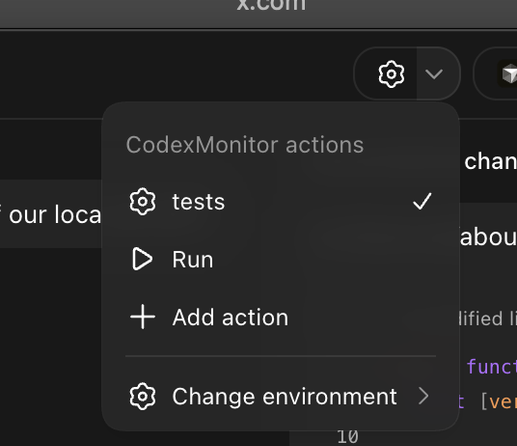
And it also has all the features you expect from this kind of new, agentic-driven environment. A sidebar with the git diff changes, a terminal, a way to quickly add and sort workspaces, easy access to all Codex /commands, plan and code mode, etc... And multiple run commands!

All in all, it's a very solid first release! I can't recommend it enough; this is truly the flow of the future, and I'll only improve from there.

It has many different features from Codex Monitor. I see my own app as a simpler/leaner version of the Codex official app.

@dimillian I gave it a quick try (I wanted to test automations) but after I created my first one, I don't get the initial "wizard" screen anymore. Clicking on "New" only gets me this. Am I using it wrong?
@andreagrandi Hmmm I can do the + up there
@dimillian I can do it too, but if you remember, the first time you pressed it you got a sort of "wizard" or a window with a few template. I picked one (the repo summary) and I wanted to test the others but they are gone. I can manually write the whole prompt, sure, but it's not the same thing
@andreagrandi yep don't know how you get back this wizard, I'll ask