 aquantumofdonuts
Mixarr – a music discovery companion for Lidarr/Plex
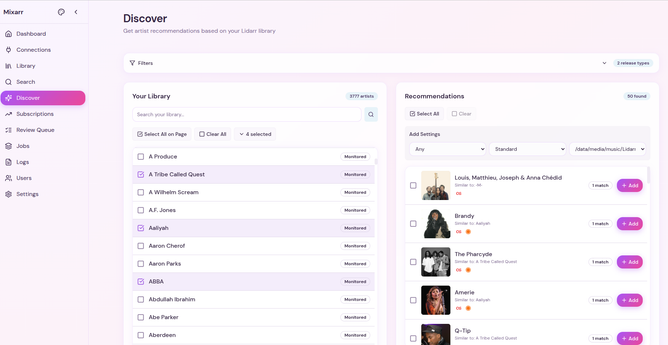
Mixarr – a music discovery companion for Lidarr/Plex
I am trying to put this behind Haproxy but not having much luck, I keep getting client sent an HTTP request to an HTTPS server.
Anyone have a clue how to resolve this?
I understand this image has its own caddy reverse proxy, not sure how to bypass that at the moment.
I am running in docker, I got 443 pointed at 3443.
I saw the 3010 setting in the docs, i just can’t figure out if 3010 is pointed at 80?
Understood, though it’s still kicking my but TBH. Exposing port 3010:3010 from docker seems to get me a connection refused.
But I can still connect to port 443 when going through 3443. Both ports are set to TCP
Guess I’m just exhausted, will play around with it more tomorrow. Thanks for your help.
I’m having the same issue, even after mapping port 80, it redirects to https/443 no matter what I do.
services: mixarr: container_name: mixarr image: ghcr.io/aquantumofdonuts/mixarr:v1.1.0 ports: - 3010:80 - 3443:443 volumes: - ~/mixarr-data:/data environment: - SESSION_SECRET=$(openssl rand -hex 32) - FRONTEND_URL=https://my-domain:3443/ - BASE_URL=http://my-domain:3010/ restart: unless-stoppedThank you, your comment here helped me sort my issue out.
For anyone if you want to access this without the built-in proxy/caddy server set your ports in your docker compose like so.
3010:3000 3443:443 (this is the caddy port inside the container)