 Pasi Salenius
I’m really happy with the development setup I have now for Proxygen, both on Mac and iOS side.
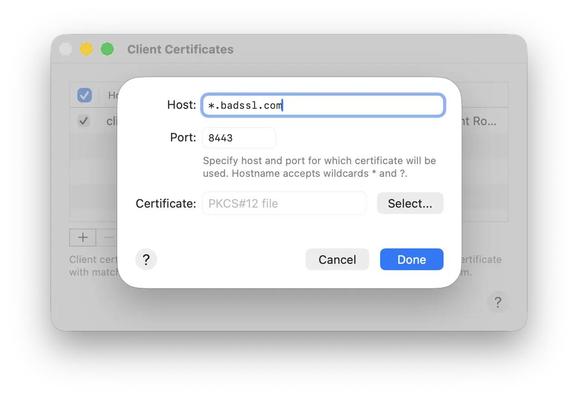
I can implement features super fast by having Claude help me with the model layer code. My CocoaCompose package lets me build windows like this in minutes. Making the iOS screens is just as easy in UIKit with all the templates I’ve built for myself.
Every new feature gets documented at https://proxygen.app/docs with very little effort. I write a Markdown file, commit and push. It’s public in tens of seconds.
Releasing a Mac app update takes a few minutes, from archiving a build and then running my script that notarizes, signs and uploads it to Cloudflare R2 along with a new Sparkle appcast XML file.
 Antti Mattila