 Adam Patridge
The retro tech hoarder in me couldn't resist picking up some new electronics at the thrift store, hidden amongst various regular DVD and Blu-ray players.
First one I've ever seen in person. Sadly, no remote included. Now to get it working.


The retro tech hoarder in me couldn't resist picking up some new electronics at the thrift store, hidden amongst various regular DVD and Blu-ray players.
First one I've ever seen in person. Sadly, no remote included. Now to get it working.
Technically, I already have a way to play HD DVD discs, but it's the Xbox 360 drive I picked up from eBay for cheap: "parts/untested", but worked fine and even came with a movie.
It's just USB, so you can rip movies [slowly] using that drive on Windows with MakeMKV. And I have an Xbox 360 console, which means I can properly experience the interactive menus and such.
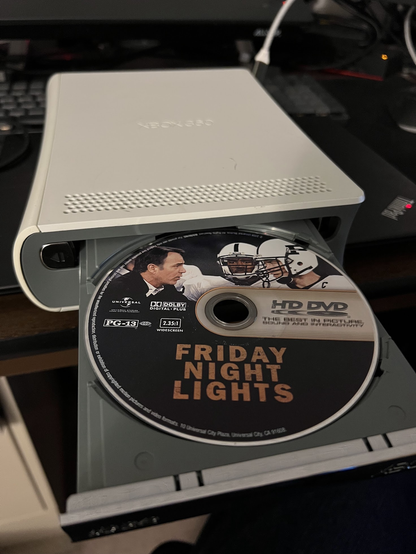
So, the initial symptom was that it wouldn't eject the disc tray. At the thrift store, first it would just say "Welcome" forever and the eject button just beeps. After unplugging and trying again, the eject button doesn't even beep.
Being me, my first thought was to take it all apart to make sure it doesn't have any obvious physical obstructions. Took it down to being able to see inside the drive, but nothing obvious causing issues (and no free disc this time).


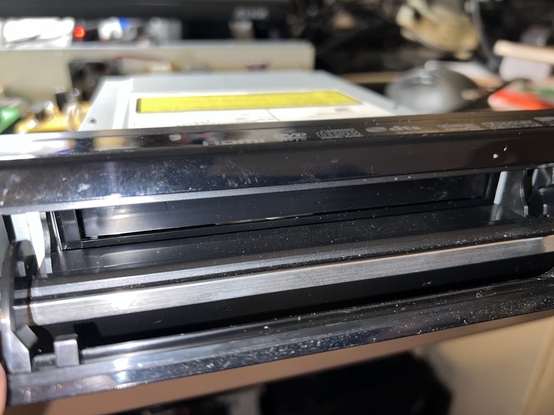
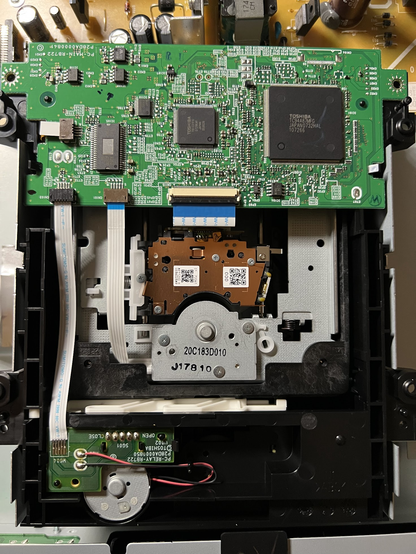
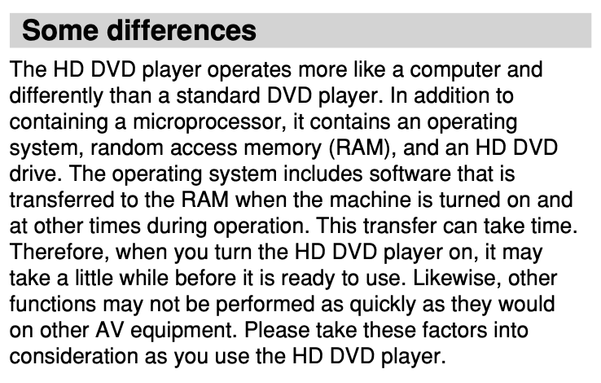
The dozens of other owners of this HD DVD player may already be aware of my issue and laughing at me. Reading the manual revealed a hint with this block of "keep your expectations low" wording. The problem isn't hardware at all. Though I'd still argue it shouldn't be as bad as it is. (Why can't I eject the disc until it's fully booted!?)
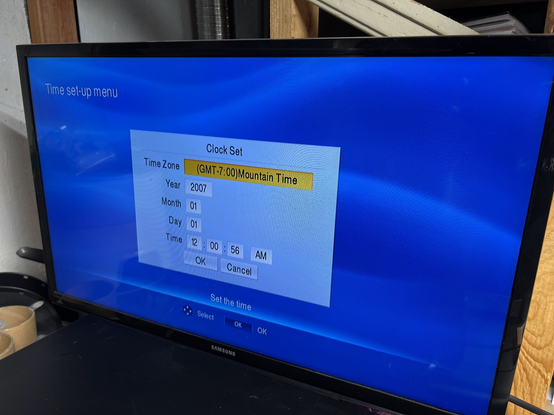
Hooking it up to a display for the first time, it eventually showed the clock setting page. (The equivalent to blinking 12:00 on an old VCR, I guess.) This page took probably 30 seconds to show up on my TV's HDMI input. At this point, you can finally eject the disc tray.
Of course, since I don't have a remote, I have to skip this.
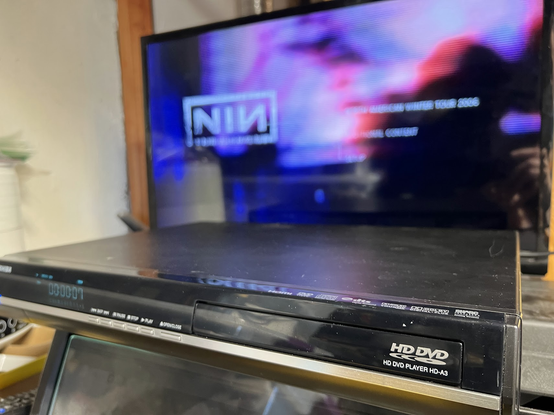
With my impatience being the real issue, I finally popped in my HD DVD copy of Nine Inch Nails Beside You In Time to see its top-level menu.
Again, since I don't have a remote yet, I have no ability to proceed from here.
So, that's the end of this saga until I can emulate the Toshiba HD DVD Player remote (model SE-R0285, I believe). With how slow this player is, I'm not sure this will ever find a permanent home on my shelves. But it's been fun to get explore the inner workings, even if that was totally unnecessary.

 💡𝚂𝗆𝖺𝗋𝗍𝗆𝖺𝗇 𝙰𝗉𝗉𝗌📱