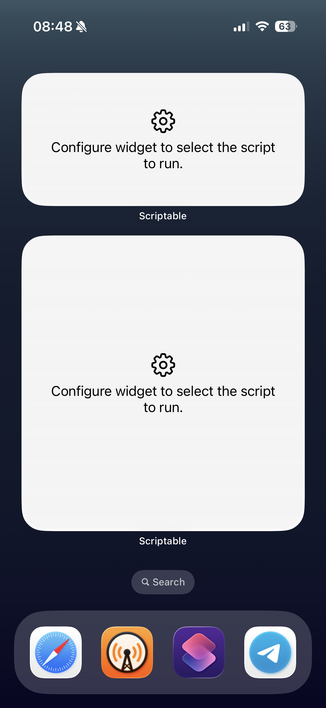
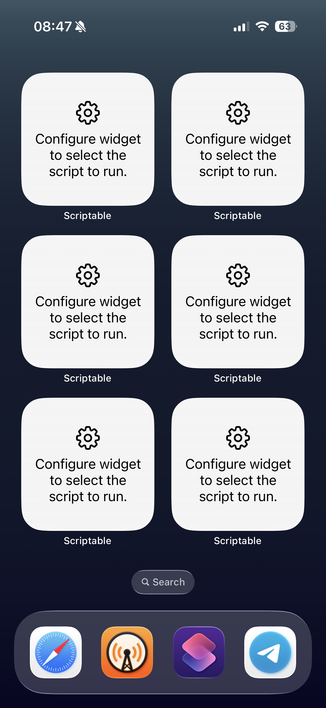
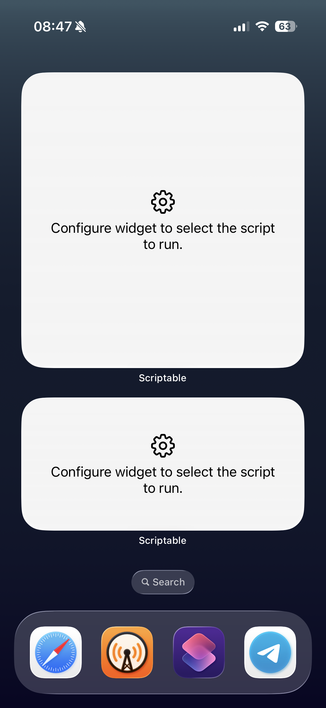
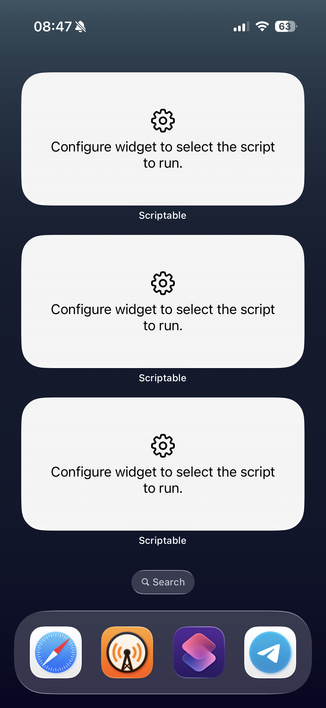
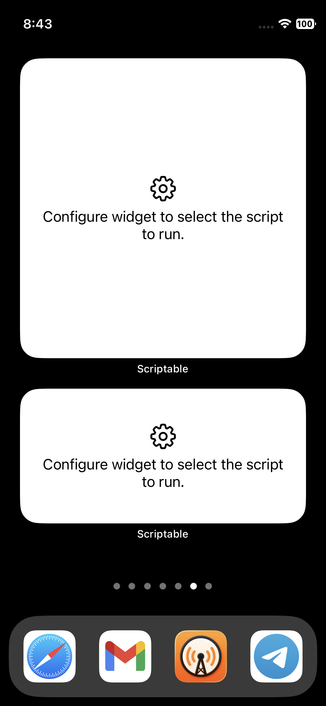
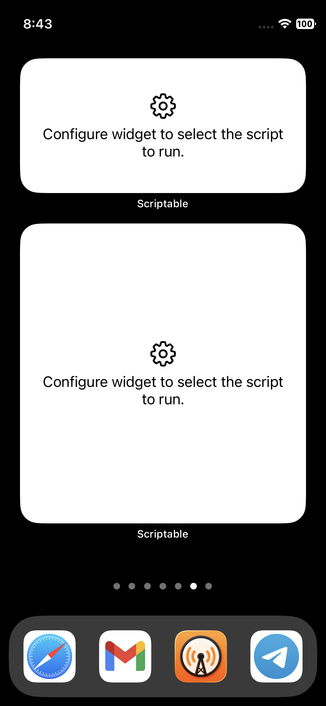
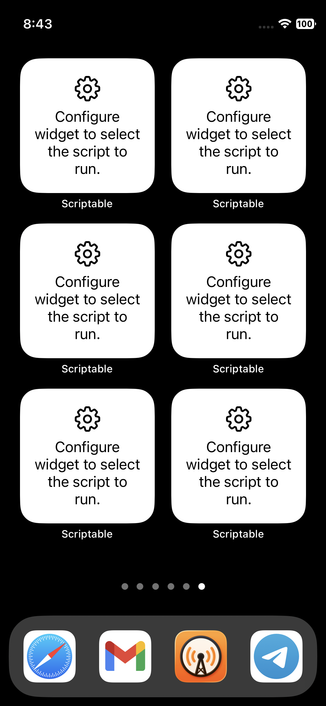
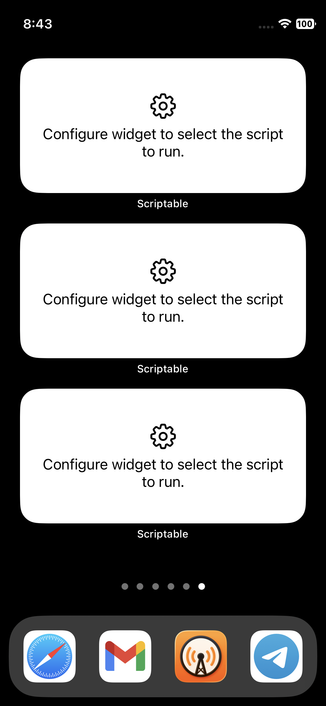
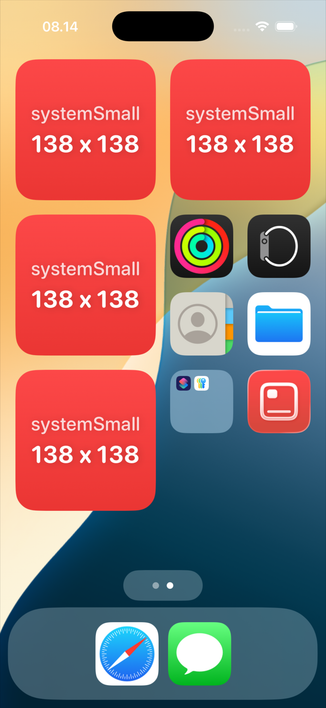
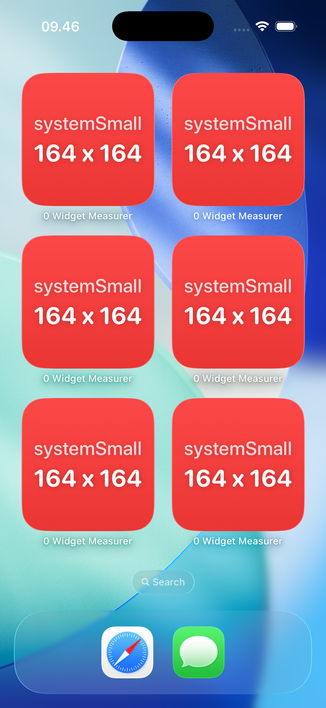
Help me out, Mastodon. I need the exact XY coordinates of widgets on iPhone and iPad Home Screens across all display zoom levels, orientations, and icon sizes.

I’ve already measured this for iPhones on iOS 26, but the thought of doing iPads and more iOS versions is killing me.

Is there a faster way than screenshotting every combination and measuring manually?

@simonbs ask someone in the Scriptable community to do it for you 😅

@simonbs I don’t see how to avoid the screenshotting, but #ImageMagick can locate (width, height, x-offset and y-offset) its components with a minimum area. And you can either run it from Terminal in macOS or in iOS/iPadOS via the a-Shell mini app.

For example, these are from an #iPhone17 with #iOS 26.0.1

@simonbs
... and these are from an #iPhone12mini with #iOS 18.7.1

(the alt text has ImageMagick's output)

@simonbs
.. .and this is the command in question:

magick SCREENSHOT.PNG -threshold 80% -define connected-components:verbose=true -define connected-components:area-threshold=100000 -connected-components 8 -auto-level null:

I ❤ #ImageMagick 🙂

@atnbueno Oh, this is very interesting! Just verified that it's super precise by manually measuring your screenshot. I've already taken almost all screenshots and the contrast is way less in those, so I fear ImageMagick can't pickup the rects in those 😬

@simonbs My simplified background and pure white widgets help, of course.

Can you share one of yours to play with it?

@atnbueno Sure! Here are a couples of examples. Had I known ImageMagick could help out here, I'd have chosen a different background, alas.

@simonbs One option is to "substract" the background if you have it.

Another is seeing if any color channel separates the widgets enough. The magenta channel works with the first image:

magick da4c2257f206080b.png -colorspace CMYK -channel M -separate -threshold 40% -define connected-components:verbose=true -define connected-components:area-threshold=100000 -connected-components 8 -auto-level da4c2257f206080b_component.png > da4c2257f206080b.txt

The threshold might need some adjustment.

@simonbs
... and the yellow channel works with the second one:

magick 9147fa99285373c6.png -colorspace CMYK -channel Y -separate -threshold 40% -define connected-components:verbose=true -define connected-components:area-threshold=100000 -connected-components 8 -auto-level 9147fa99285373c6_components.png > 9147fa99285373c6.txt

The threshold might need some adjustment here too.

@atnbueno That's very interesting! I'll need to play around with that.

My concern could be that for whatever reason, a single threshold doesn't produce exact results for all images with that background. If I'm to test and verify that, I'll need to measure manually anyway 😄

@simonbs I’m afraid that at some point you might find that redoing the screenshots is less work 😅
@atnbueno I've been playing around with ImageMagick and think I have something that accurately measures all my screenshots with the red boxes. I still need to do some final testing one of the coming days but, oh wow, ImageMagick is amazing!
@atnbueno Thanks so much for your help. Really appreciate it! 🙏