 Electronic Frontier Foundation
ICE is buying a location tracking tool that harvests data from hundreds of millions of phones a day. Protect your location data by updating a few settings on your phone 🧵 (1/4): https://www.404media.co/ice-to-buy-tool-that-tracks-locations-of-hundreds-of-millions-of-phones-every-day/

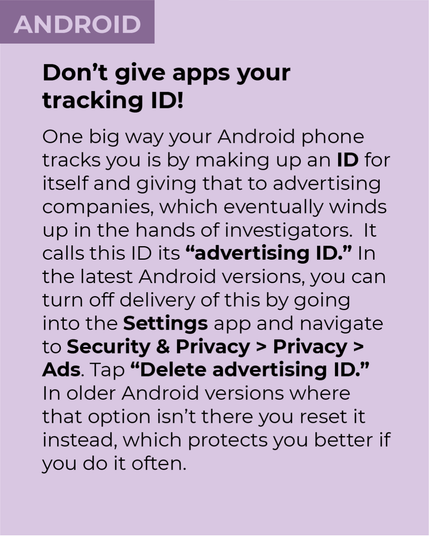
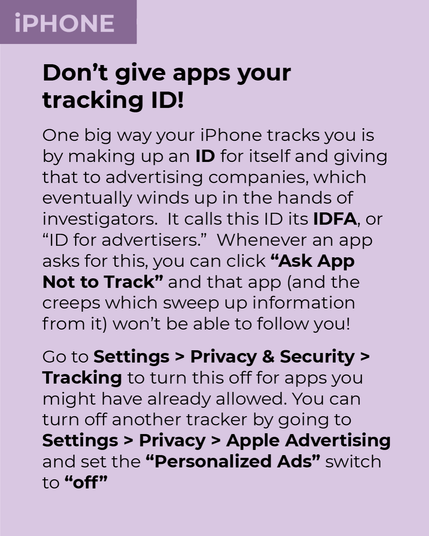
Turn off your phone’s “advertising ID” to make it harder for location data brokers to track you. (2/4)
 David P
First image:
ANDROID
Don’t give apps your tracking ID!
One big way your Android phone tracks you is by making up an ID for itself and giving that to advertising companies, which eventually winds up in the hands of investigators. It calls this ID its “advertising ID.” In the latest Android versions, you can turn off delivery of this by going into the Settings app and navigate to Security & Privacy > Privacy > Ads. Tap “Delete advertising ID.” In older Android versions where that option isn’t there you reset it instead, which protects you better if you do it often.
Second image:
IPHONE
Don’t give apps your tracking ID!
One big way your iPhone tracks you is by making up an ID for itself and giving that to advertising companies, which eventually winds up in the hands of investigators. It calls this ID its IDFA, or “ID for advertisers.” Whenever an app asks for this, you can click “Ask App Not to Track” and that app (and the creeps which sweep up information from it) won't be able to follow you!
Go to Settings > Privacy & Security > Tracking to turn this off for apps you might have already allowed. You can turn off another tracker by going to Settings > Privacy > Apple Advertising and set the “Personalized Ads” switch to “off”