What's new in Joplin 3.3? πŸš€β€¨
Improved accessibility, multiple app instances, audio recording on mobile, a better voice typing experience, and much more!
Update today and discover all the new features. ✨
https://joplinapp.org/fr/news/20250428-release-3-3
What's new in Joplin 3.3 | Joplin

Desktop application Accessibility improvements The Joplin 3.3 release introduces significant accessibility enhancements designed to make the application more inclusive and user-friendly. Users can ...

Accessibility matters! β™Ώβœ¨β€¨
Joplin 3.3 improves keyboard navigation, screen reader support, focus management, and contrast enhancements.
A smoother and more inclusive experience for all users!
Manage your notebooks in one click! πŸ“šπŸ”½β€¨
Joplin 3.3 adds a "Collapse/Expand All" button to quickly organize your notebook hierarchy. Find what you need faster!
One Joplin, many instances! πŸ–₯οΈπŸ“„β€¨
Joplin Desktop now allows you to open multiple independent instances. Work, personal, or project-specific spaces your notes, your way!
Linking notes just got easier! πŸ”—βœ¨β€¨
Search and link to notes in seconds. A new shortcut is emplemented to quickly find and link a note to another with a simple search dialog.
Smoother editing experience! πŸ“β€¨
The Rich Text Editor has been upgraded to TinyMCE 6 with new Markdown auto-replacement.
Accessibility improvements on mobile too! πŸ“±β™Ώβ€¨
Better focus management, improved contrast, screen reader support navigating Joplin Mobile is now easier for everyone.
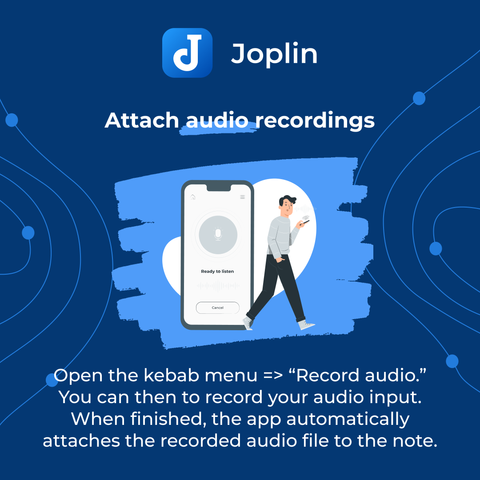
Record and attach audio easily! πŸŽ™οΈπŸ—’οΈβ€¨
Capture ideas, reminders, or voice notes directly into your Joplin Mobile app using the new "Record audio" feature!
Voice typing just got smarter! πŸ—£οΈβœ¨β€¨
Powered by Whisper AI, the new offline voice typing supports punctuation and better recognition. Stay private and productive!
More ways to create! πŸ–ŒοΈπŸ“·πŸŽ™οΈβ€¨
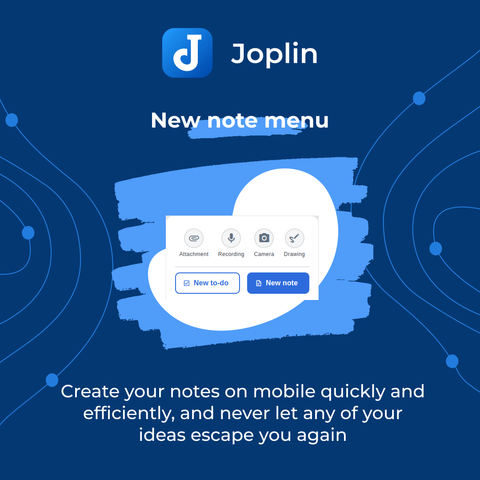
The redesigned Note menu on mobile lets you quickly create notes, to-dos, photo notes, drawings, and audio recordings. Choose your style!
@joplinapp That's a useful feature and maybe will bring me back to Joplin.
@joplinapp thank you for this very useful enhancement. in the last time I see you make many improvements to make joplin more great as it already is. many thanks for all your work to all of the developers and contributors. i really appreciate your work! πŸŽ‰πŸ˜ŽπŸ€—