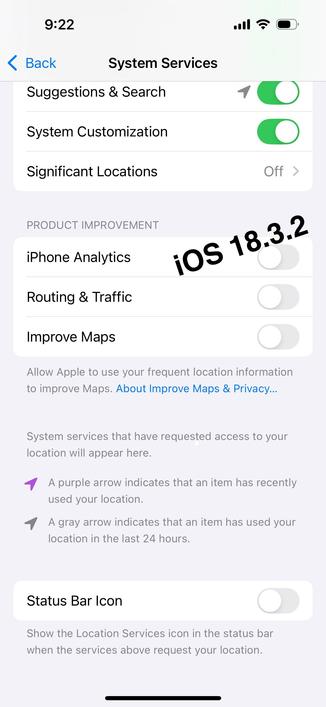
iOS 18.4 introduced a new option in System Location Services called "Improve Location Accuracy" and it is enabled by default. You can find it under: Settings > Privacy& Security > Location Services > System Services
This option appears to enhance the Assisted GPS (aGPS) network by providing more precise GPS coordinates of nearby Wi-Fi networks and cell towers. Apple and Google devices rely on the aGPS database in areas where the GPS signal is weak.
 Tom Webb


 Mysk🇨🇦🇩🇪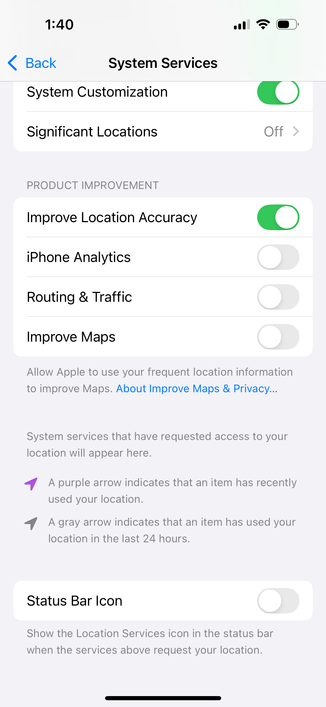
 Edward Munn
 Voxel
Voxel Nabor
Nabor