 Nina Kalinina
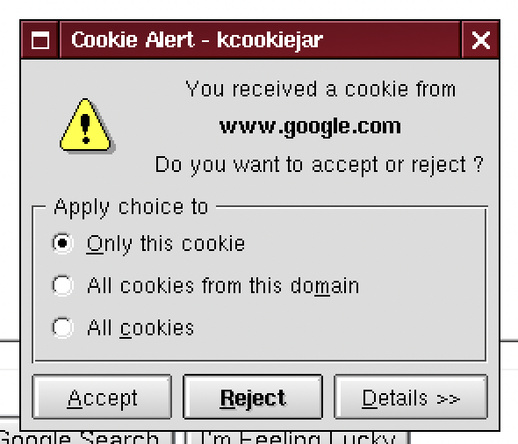
GDPR banners before GDPR banners were invented
@MennoWolff @nina_kali_nina
I have the solution if you're using a Chromium-based browser:
1: Navigate to `chrome://settings/content/siteData`
2: Set *Default Behavior* to `Delete data sites have saved to your device when you close all windows`
3: In *Customized Behaviors* -> *Allowed to save data on your device*, click on the “Add” button, and add every website you need, under this format:
If you don't know the cookies you need, `[*.]example.com`
If you know, `subdomain.example.com`.
@nina_kali_nina @thatonecoder 😨
Are cookies still plain text or am I horrifically behind?
Like, thirty megs of cache I can just about believe, loading all those pfp's and too-big images etc, but cookies? Sixty times lord of the rings just for hey this guy's logged in?
 Menno
Menno thatonecoder
 Dan Fixes Coin-Ops