 iBanks
Also a Get Current App action. iOS 18.2 Beta #shortcuts #shortcutsapp
From: @iBanks
https://mastodon.social/@iBanks/113481150084841630
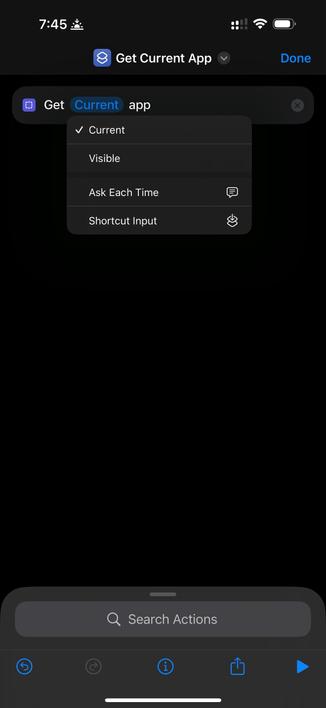
Also a Get Current App action. iOS 18.2 Beta #shortcuts #shortcutsapp
From: @iBanks
https://mastodon.social/@iBanks/113481150084841630
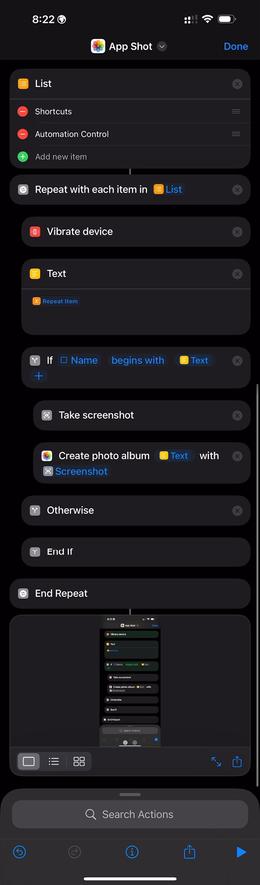
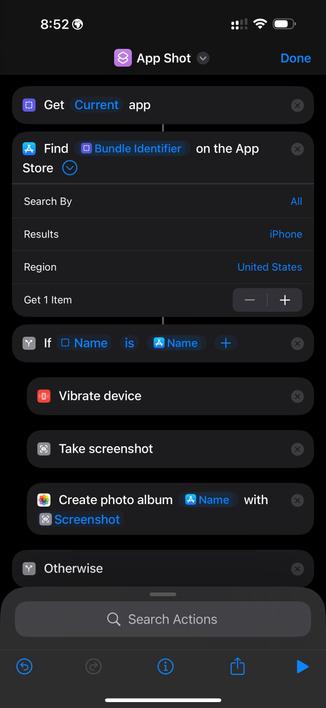
@gluebyte @atnbueno @matthewcassinelli @viticci this works! Thanks dude!!
https://www.icloud.com/shortcuts/c1396f783f84440abbe4c50eb35e856d
Now to bind this with Apple Frames. 😊😊😊
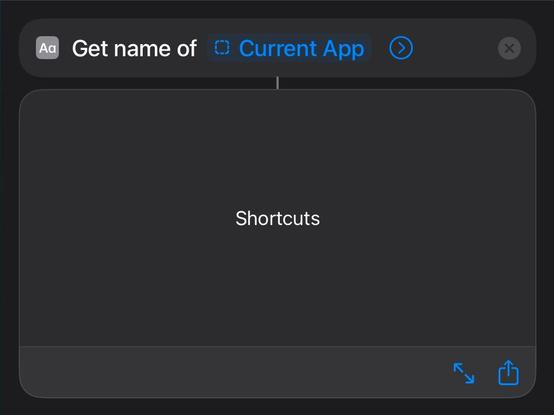
@matthewcassinelli @gluebyte @atnbueno @viticci FB15806757 (Get Current App Shortcuts action passes nil value)
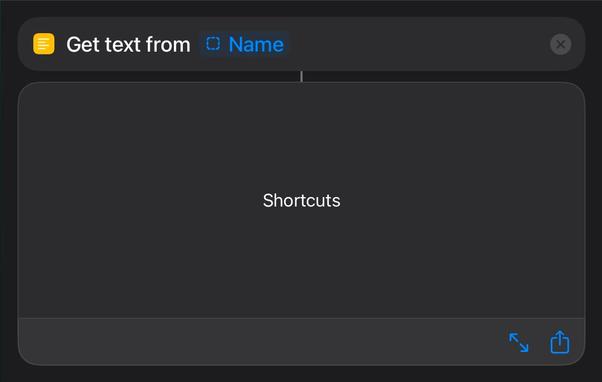
When using the Get Current App action alone and running it, it passes the apps name. If you pass that same action to another action like a Text or IF statement, it passes no value.
User must use a Get Name action or a Get Text from Input action in order for the name to pass to another action successfully.
 gluebyte
 Matthew Cassinelli
 Mark Van Alstine