 HobbitFoot
 IPhones' default photo format is HEIC, something that Windows doesn't open by default.
Not sure if it works for HEIC, but here’s a tip for converting WEBP (common on websites) to a more universal format like PNG:
1: open Paint
2: open .WEBP in paint
3: save as -> PNG
4: give name and save
There’s also a Firefox extension that I use that that lets you just save as PNG addons.mozilla.org/…/save-webp-as-png-or-jpeg/
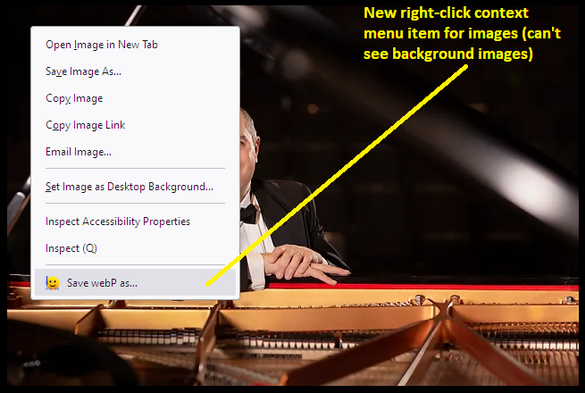
Save webP as PNG or JPEG (Converter) – Get this Extension for 🦊 Firefox (en-US)
Download Save webP as PNG or JPEG (Converter) for Firefox. Convert any image (WebP, AVIF, etc.) to PNG or JPEG (with choice of quality) for downloading. Right-click context menu calls up format options overlaid on the image. Read the detailed description and check the screenshots for more info.
Or even better, use ImageMagick.