I liked the customization of KDE, however, it was really strange that I couldn't repair the HDD connecting very easily using commands or the GUI.

I honestly believe it was an issue caused my lack of understanding though, not the fault of Kubuntu itself. The eccentricities of these parts of a Linux Distro are beyond my meager gray matter.

#Linux

@WanderingInDigitalWorlds when you say repair, do you mean reformat? Or were you able to save the data?
@geoscum I mean repair, I didn't reformat my drive as I still have all my data. The Disks Application which is part of Pop!_OS has an option to repair a drive, that fixed the mounting issue. Something that I am still surprised that KDE's Partition Manager couldn't do as easily.
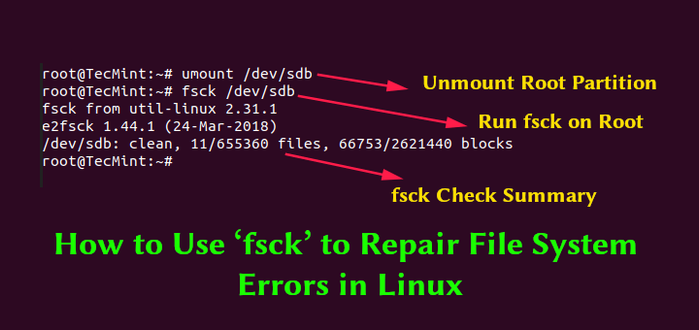
@WanderingInDigitalWorlds I know not everyone wants to get deep into the command line, but what you were looking for was most likely `fsck`. https://www.tecmint.com/fsck-repair-file-system-errors-in-linux/
How to Run fsck to Repair Linux Disk and Filesystem Errors

Learn how to use the fsck command in Linux to check and repair filesystem errors on ext4, LVM, and RAID volumes with practical examples.

How to Use fsck to Check and Repair Linux Filesystem Errors
@geoscum That would’ve been the thing that I was looking for, but, it never showed up in my searches. I would’ve done that instead. ROFL The sad thing is that I typed in how to repair a drive on Linux and just got fstab results. It’s pretty damn annoying, I wasted so much time. 🫠