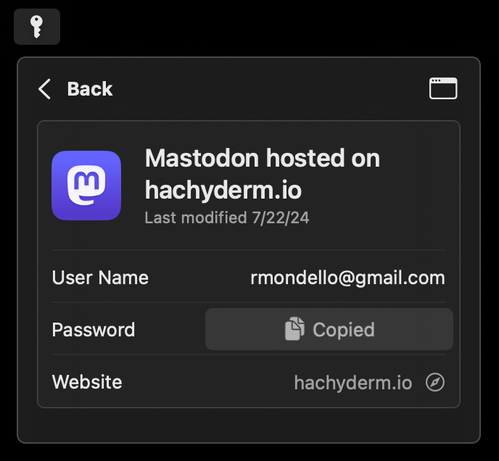
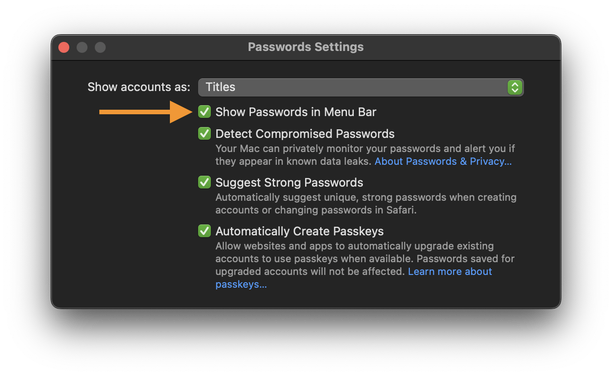
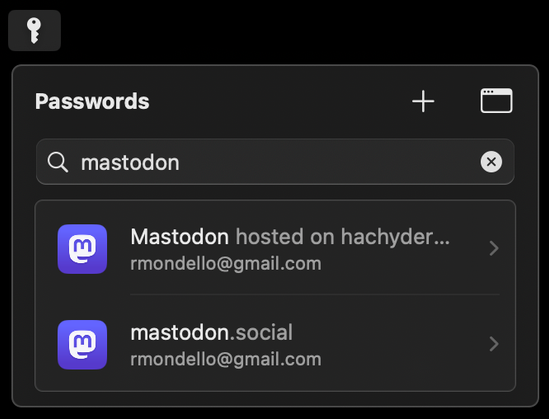
Passwords app for macOS: In the app’s settings, enable “Show Passwords in Menu Bar” to give yourself even easier access to your passwords.

It shows recently-created accounts by default with smart suggestions for the currently open app. Has search, + (New Password), and one-click copy for user names, passwords, and one-time codes.

(Please do spread the word about this! Write about it! And there’s no need to credit me; in fact, please don’t! 🙃)
@rmondello Hi, I hope you don't mind me asking, but I got a bit worried by the Passwords app and Safari in Sequoia.

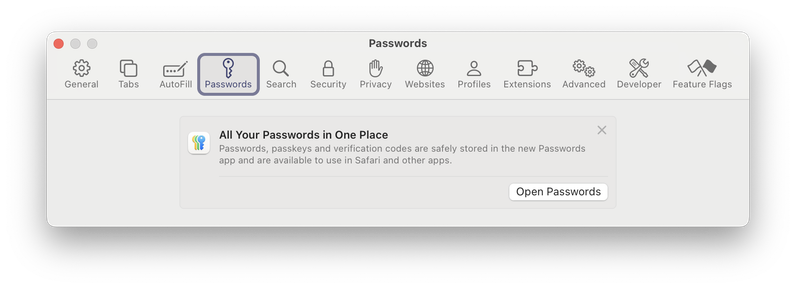
I disabled the "Automaticaly Create Passkeys" setting, because I want to control passkeys by myself.

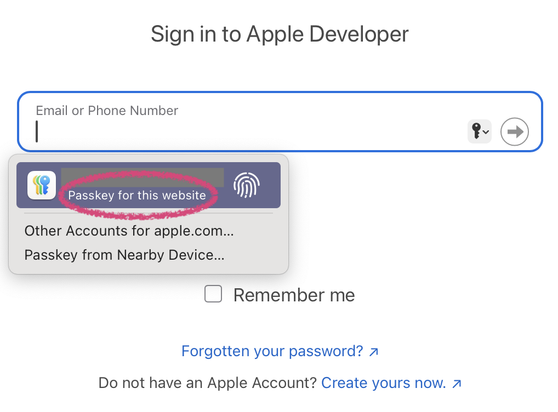
So imagine my surprise when I saw this in Safari.

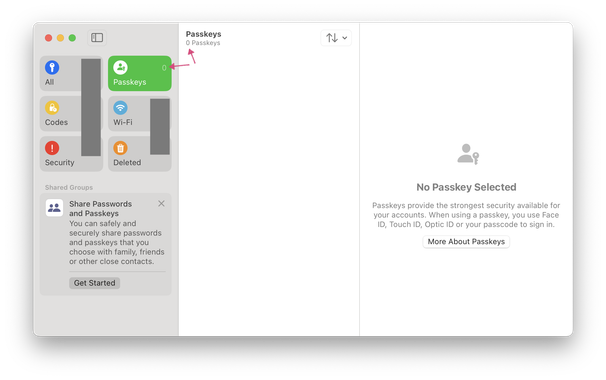
From what I see in Safari, I think I that have a passkey in my Apple ID, but from what I see in Passwords, I think that I don't have any passkeys (which would be correct).

@jornane @rmondello Apple automatically creates a passkey for your Apple Account
@faisal @rmondello That's the impression I got. But I don't see it in my list of Passkeys? Why is that?