 dimsumthinking
App Store Connect friends... My latest version of my Dough App has been available for internal testing for two days but I can't seem to add external testers or publish a URL - any ideas?

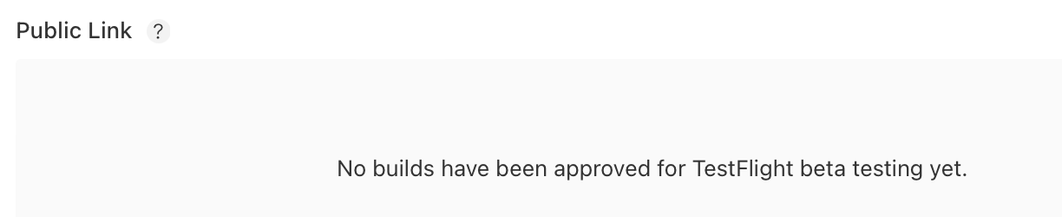
@dimsumthinking ah I just went though this but I must have misrecalled the steps. I just logged into AppStoreConnect to see if I could get it right but it’s hard to see the before you’ve had approved status when you’re not in it.
Maybe you go TestFlight > iOS Build, click on the build in question, then from there submit it for review I think?
I also think this stage can maybe only be done from the web, not the mobile Connect client. Once approved, can add to group in mobile.
@dimsumthinking I have had this problem before and the issue was that when distributing the build from Xcode I selected test flight as the export option.
Selecting App Store Connect allowed me to use the build for both internal and external betas.
 erin sparling
 Duncan Babbage
 harrisonheinig