 Halano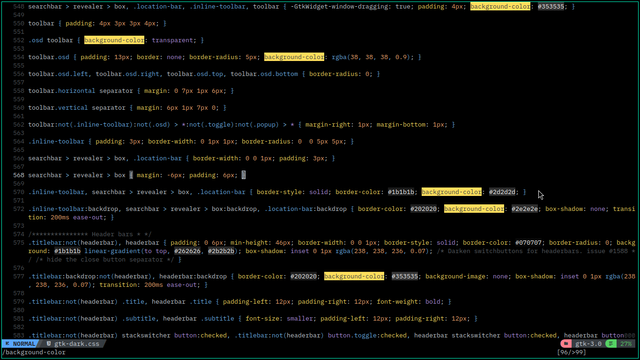
I've used :%s/background-color:%s;/background-color:#000000;
but didn't work 😞
I've used :%s/background-color:%s;/background-color:#000000;
but didn't work 😞
`:%s/\(background-color:\).\{-};/\1 black/`
(`\(…\)` defines capture group `\1`, `.\{-}` is the non-greedy wild-card variant of `.*`)
@Halano Try this:
:%s/background-color: \zs[^;]*/black/g
\zs starts the match here, so only the following part is replaced.
[^;]* matches any number of non-semi-colon characters
/g at the end means if there are more than one matches on a line it replaces them all. It’s probably not necessary in this context.
 data0
data0 Normal Mode