 malevolent dictator for life
 Mateusz 🏳️🌈
@astrid This is why GUI apps are superior over CLI. They explicitly list the options they have in some form of a menu.
 -> @
-> @@aemstuz @astrid GUI apps don't always do this, and even then there's like 8 different design conventions and over a dozen toolkits to get used to (at least on Windows and Linux, I believe macOS is slightly more consistent in this), all of which handle tiny things just ever so slightly differently. I'm not saying CLI apps are any better in this regard, but I am saying that this isn't a problem limited to them.
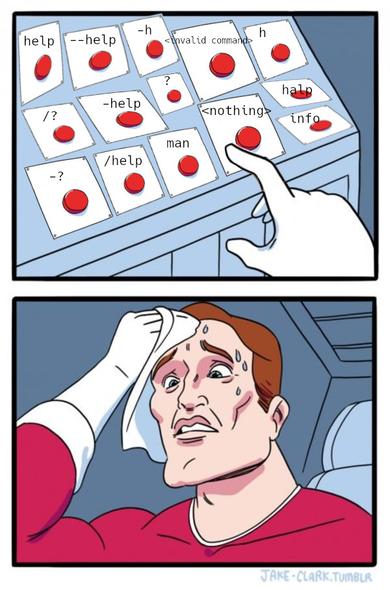
@aemstuz @astrid CLI apps can show you their features in a help menu, or better yet with shell compositions! They can absolutely show quite rich information right from the terminal as you're typing.
Not all at once, but neither can GUI apps, have you seen how many functions something like Microsoft PowerPoint has? Their ribbon is a great way to hide all that complexity and show only the stuff that is most relevant, but it's extremely difficult to get right, and something like Sibelius with similar complexity fails miserably (see also: Tantacrul video essay).
That also doesn't consider the fact that most GUI apps just don't bother showing all functionality. It's a weird argument, in my opinion, that they can show all functions, given that GUI apps literally don't do this, nor is it true that they can do it (at least in any easy way).