 Sjef
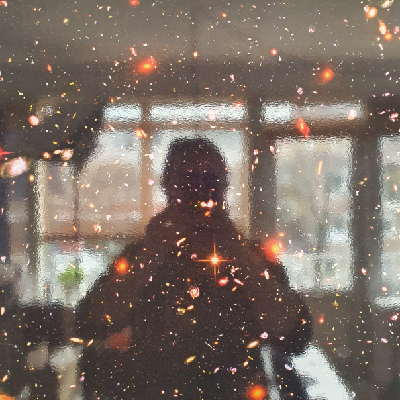
SjefPSA for MacOS Sonoma users who don't want those fucking hearts / balloons / confetti reactions injected into your video feed at random while gesticulating in meetings, you may already know you can access the setting to turn them off via Facetime (wtf) or via the camera icon when it's active, but TIL you have to turn that shit off PER CAMERA. If you use an external webcam the Facetime setting doesn't cover it.
This message brought to you by fucking balloons appearing in a serious meeting, and a fuck you to whichever idiots at apple decided this was a good idea.