
If you are new to accessibility, it might be sometimes hard to guess how a component is supposed to work with a keyboard.
Here are 3 design system places to look for accessible components inspiration:

1. React Aria Components:
Resource: https://react-spectrum.adobe.com/react-aria/components.html
Adobe’s new React framework promises components with built-in top-tier accessibility, and internationalization out of the box. Examples are nice for designers to see what’s expected in terms of keyboard navigation.
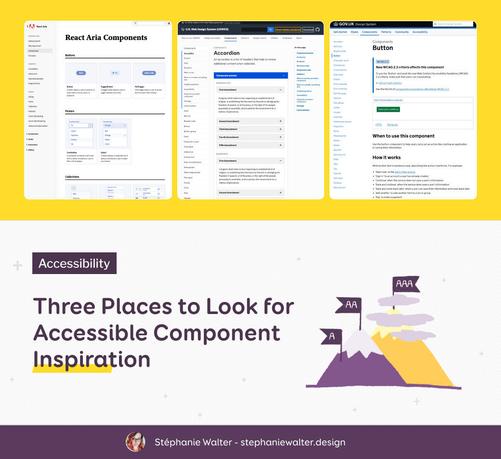
React Aria Components

Craft world-class accessible components with custom styles.

(I haven’t audited the code, but I’m also not an ARIA/react expert here, so if you have feedback on that, I’m curious as well).

2. USWDS
Resource: https://designsystem.digital.gov/components/overview/
The U.S. Web design system has lots of components you can play with online, including some complex tables featuring some sorting with keyboard navigation. Don’t forget to check the accessibility section of each component.

Components

USWDS makes it easier to build accessible, mobile-friendly government websites.

U.S. Web Design System (USWDS)
3. Gov UK Design system
Resource: https://design-system.service.gov.uk/components/
Also a nice source, for accessible components, with online demos to test keyboard navigation, screen reader and more. Also, don’t forget to check the Patterns page. They have guidance on how to ask users for things (name, email, etc.), how to help users with things (error prevention, cookies, etc), in an accessible and user-friendly way.
Components