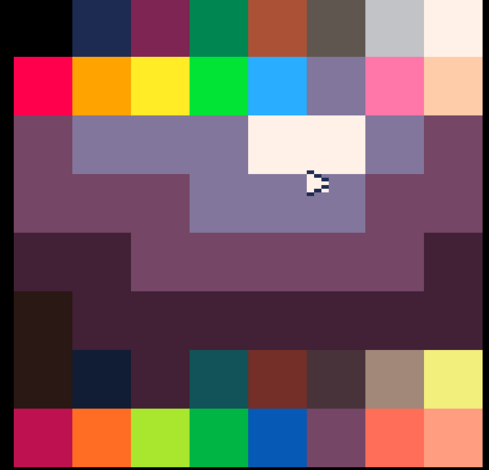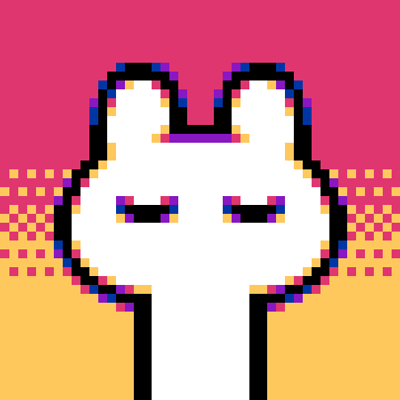
@sako do you have palette selecting in drawapp(tm)? I was thinking about how to do it, and I think one thing thats nice that some programs dont do is show you all the colors at once. It does have to affect the screen in some way, but could be temporary, or just pop up a seperate screen made for it. In this rushed demo I chose the double wide pixel mode. (right and left click)
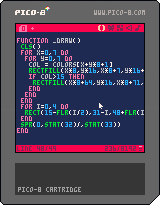
@waporwave There's 4 pre-defined palettes you can swap between by holding right click with the brush or line tool and pressing up or down, but I haven't implemented a custom palette editor yet. It's something I want to add, but I haven't gotten around to it yet. Plus the sketching tool (not in the itch/ko-fi build yet) complicates things, I don't know how I will make custom palettes work with it.
@sako ah yeah i figured. Im assuming you're using a gradient table or something, indexing the palette. Since there's probably too many features to fit comfortably, maybe a different screen would be the best? so you could put everything necessary for custom palettes (which is already a bit) without changing the simple drawing controls