Christian Selig
HomeKit question: in 2023 is there a simple inexpensive button you can get that you can execute an action (e.g.: toggle a light?) and doesn't need a separate hub (uses Thread)?
 Khaos Tian
@christianselig Personally after trying out the Thread ones, I still find the ones with a bridge worked better for HomeKit. Philips Hue Smart Button worked pretty well for me https://www.philips-hue.com/en-ca/p/hue-smart-button/046677553715

@khaost I have one of their three button versions and I find it feels really resistant to working only in HomeKit with non-Hue lights, even though I have a bridge. Maybe I'm doing something wrong
@christianselig how did you configure them? I left them unconfigured in Hue app, and only does the setup in HomeKit, and it has been working pretty solid over the last two years.
@khaost You can do that??? Brb
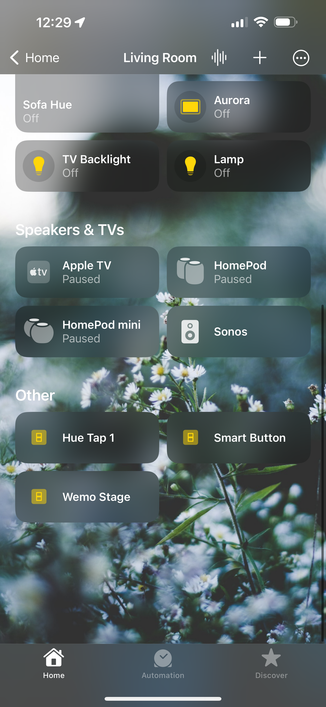
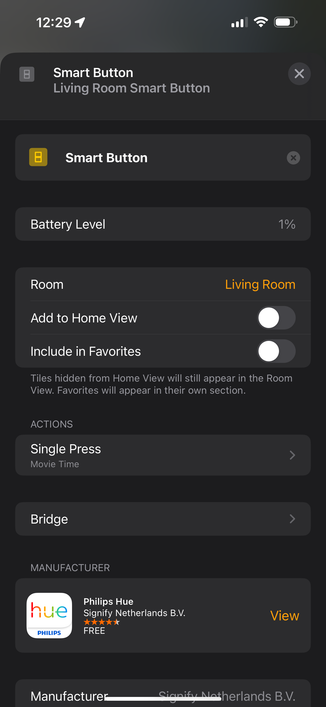
@khaost how do you add it? The QR code on the back doesn’t want to get scanned in the Home app
@christianselig you set it up with the Hue app, and then it should show up in HomeKit. Which button are you using?
@khaost But can you disable the Hue functionality entirely? I have it set up in HomeKit but it’s still randomly controlling a single light. It’s the four button Hue switch
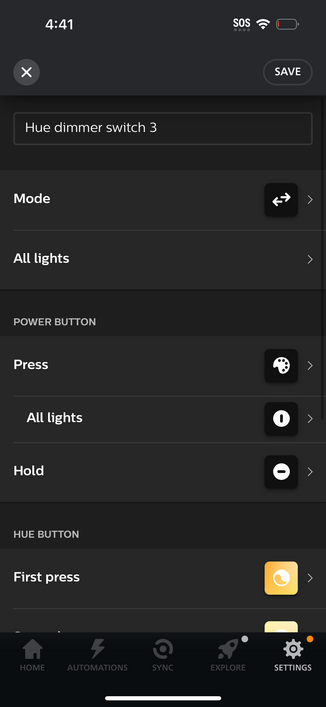
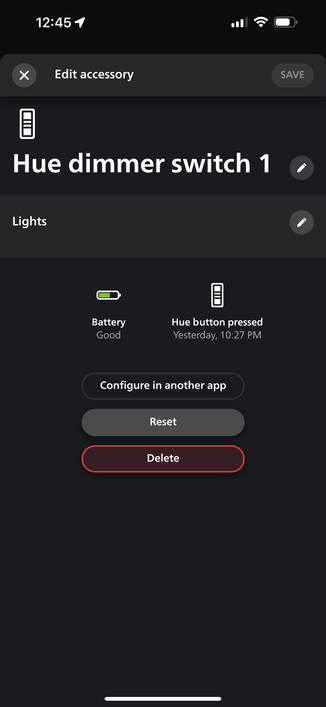
@khaost Okay I think I have it figured out now, thank you! Only question now is, is there a way to make it toggle a light on or off without needing to make one button on and one button off? I can use a Shortcut, but it's so much slower
 Alex Rosenberg
@christianselig @khaost While figuring this out, can you find a way to make increase/decrease volume buttons? The HomeKit app only seems to be able to set absolute volumes and can't get the current volume. #DoTheyEvenUseItThemselves
 Andrew Naylor
@christianselig @khaost if you use Eve or Home+ you can configure multiple actions for each button. Each action can have a conditional; if the light is off, turn it on and vice versa
@christianselig @khaost the main catch I’ve found is that the action can only target a scene rather than individual accessories. It takes a bit of effort to configure but I’ve found it to be set and forget
@christianselig you can try using third party apps (Eve/Home+) to setup two automations from the same trigger but different condition to achieve a toggle setup. But yeah typically those are slower as HomeKit need to read the status first…
 Sophia
@christianselig @khaost I use a Shortcut that I set up in the Home app. That’s definitely slower tho and is not ideal
 akafester
@via @christianselig @khaost you can use the Home+ app to make light toggles. Homekit supports it, but it’s not available in Apples Home app.

Home+ 6
Home+ 6 is a full-featured HomeKit app which makes working with HomeKit easier. Home+ lets you control, manage and automate your smart home like never before. - You can create powerful automations which are not possible with the Home app. - You can access all characteristics of an accessory - Yo…
 Timo Hetzel
@christianselig @khaost I have a rogue unconfigured Hue bulb wreaking havoc on my zigbee mesh, ymmv.
 Michael Simpson
@christianselig @khaost I have all my Bue switches set up in HomeKit and also have HomeKit routers (eero 6 pros). Used the accessory security settings to restrict all my smart home stuff from talking to anything other than my HomeKit hubs.
 Sam Gross