*Edit:*

I want to express my thanks and appreciation for all the boosts and comments! I had no idea this would get spread so widely, and I'm humbled by the support.

I'll reply to this post with the plan that I have for the next session.

Original post below...

I'm volunteering at my daughter's elementary school by teaching a "coding club" for 5th graders during their lunch and afternoon recess.

It mostly went great, except I left nearly in tears...

One of the kiddos that joined is blind, and I discovered that the coding programs for kids don't appear to be accessible *at all*.

First we tried Swift Playgrounds, but that didn't seem to work with VoiceOver. Then, he said that he's liked ScratchJr. in the past, and he got frustrated with that because he couldn't get his cat to move.

I'm kinda at a loss for how to help him. He left crying because he thinks that he can't get it, but I'm sure he can. Does anyone have any advice?

Thanks!!

#coding #swiftplayground #blind #accessibility #apple #ipad

@hpux735 test this before going back to the kid, but try microsoft’s Visual Code editor. It’s free. You can at least do html, javascript and maybe more. And there’s a good chance as its largely a text editor, it will work with Windows’ accessibility features.

Just a different approach and maybe there’s an expert in adapting the tech who can connect the ideas up

Do you know what the bounds of what the kid can do (other apps) or how mundane apps they might use?

@klforslund Thanks for your response. The kids all have to use their iPads, so it does kind of put a limit on what tools are available

@hpux735 ouch. Touch screens aren’t the best interface for blind folks.

Hopefully the right expert sees this and has a solution, but the school should not hold the blind kid to a standard if there’s a better tool for the need.

@klforslund Yah, absolutely.

To be clear this is very much an optional thing. I'm just volunteering to teach some kids nerdy stuff. Last year, I taught them (4th graders at the time) Snap Circuits.

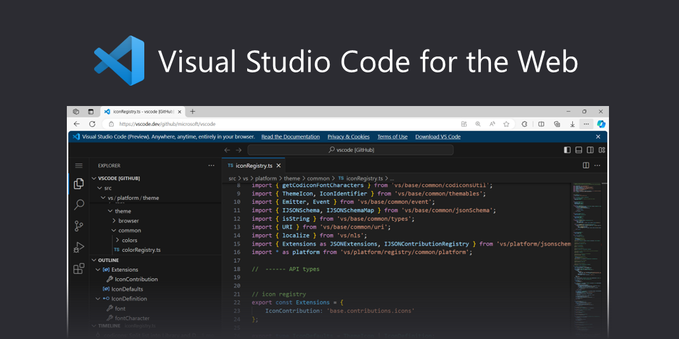
@hpux735 @klforslund just want to throw out there that there is a lightweight version of VS Code available via browser if you need it https://vscode.dev/ - no idea how accessible it is though!
Visual Studio Code for the Web

Build with Visual Studio Code, anywhere, anytime, entirely in your browser.

@klforslund @hpux735 Touch screens are perfectly fine for blind kids especially if the environment itself is accessible. iPads have accessibility built in.
@ppatel @klforslund @hpux735 Mmm, they're usable. I wouldn't go as far as perfectly fine. YMMV.

@modulux @ppatel @hpux735 this. I’ve heard issues with the new touch screen elevator panels or ATMS

With a smooth surface, your fingers have no context as to where anything actually is. Unlike a actual keypad.

Accessibility features on a device that was clearly designed for sighted users is not a complete answer. It’s a workaround.

Which is why the blind kid is having trouble. Nobody starts with a blind approach

@klforslund @modulux @hpux735 I'm not suggesting by any means that, just because there's some accessibility for touch screens, it will be a good implementation of accessibility.