 Berkubernetus
Mood:
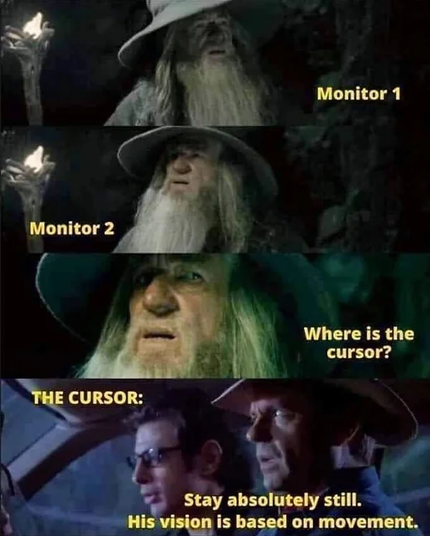
@fuzzychef @jessica if it helps anyone, Windows has a handy mouse locator thingy you can enable in the mouse options (tap the Control key to trigger). I'm sure other OSes have similar options.
(Of course i always forget to use it)
edit: If you have PowerToys installed (highly recommended!), there is a fancier and prettier version in Mouse utilities (on mouse shake or double Ctrl tap).
But the basic single tap option is built into Windows, you just need to enable it.
@hotkey @fuzzychef @jessica Awesome - I didn't know about that one. On macOS, if you shake the mouse, it'll temporarily make the cursor bigger.
https://support.apple.com/guide/mac-help/make-the-pointer-easier-to-see-mchlp2920/mac
 Legally Zoé
 Lars Sehested