@_abderrahmane_@linuxmint was pondering the same.. is it reasonably safe (always backup for any OS update, kids!) to upgrade an existing inertial or does it need a clean install?
@_abderrahmane_@wiredfire@linuxmint The .iso is available now for clean installs and it looks very nice. There are instructions (google) for a manual update but better to wait a little longer for the Update Manager to do it for you. Option should be available soon under the “Edit” tab.
@retroreggie@wiredfire@linuxmint Thank you so much for the answer, Yeah I may need to wait for the upgrade fr update manager, How long it usually take to get released in there? Because it's my first upgrade
@_abderrahmane_@wiredfire@linuxmint Sorry, not really sure. Others suggest anything from a few hours to a couple of days. I guess they are doing final testing of the process.
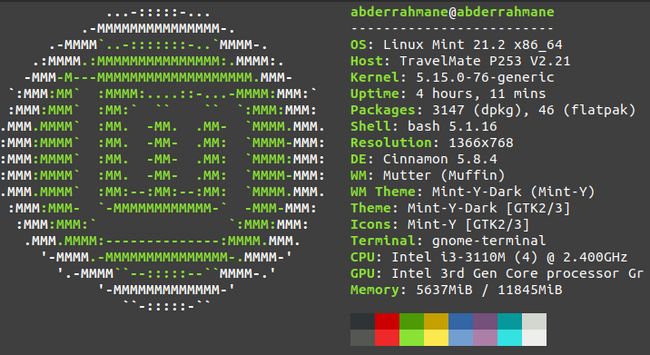
@wiredfire@linuxmint@retroreggie I know 😁 Even this update is not a major one, but I just want to try it 😁 Thank you again for your nice reply 😊 Have a great day
@retroreggie@wiredfire@linuxmint I was checking the blog's history of the upgrades They usually announce the upgrade in the same day, the longest one was the next day
@_abderrahmane_@wiredfire@linuxmint Mint 21.2: The option to upgrade is now available in the Update Manager. Do a "Refresh" and the Update Manager itself will update and the option should be under the "Edit" tab. Too late now to update my laptop so this comes with a caveat.
 Linux Mint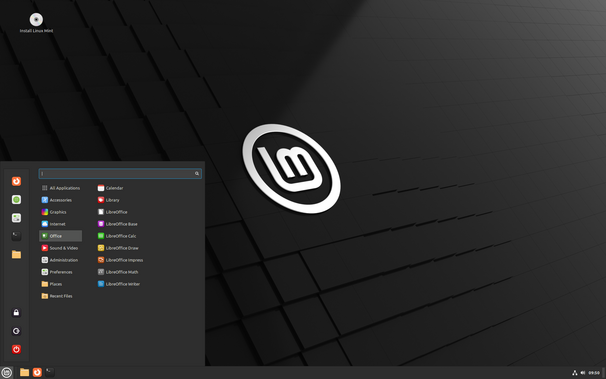
 B.Abderrahmane 🇩🇿🇵🇸
 Wiredfire
 ReggieH