 Fred Hoysted
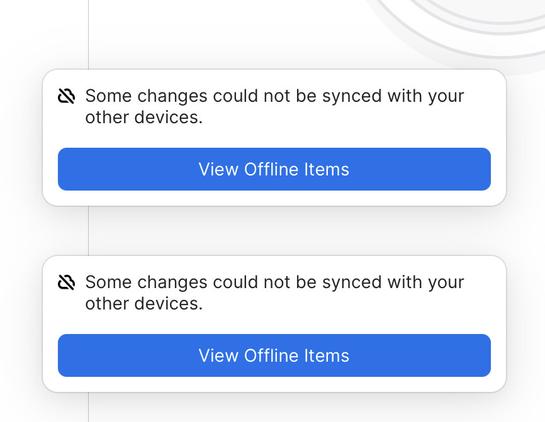
@1password Hi there. I’m getting this error on 1Password on my iPad. My other devices seem fine. Restarting the app hasn’t cleared it. How can I fix this please? Thanks
@freddles Heya Fred! Sorry for the trouble here. 😅
If you view the offline items by tapping on the blue button there, do any of the items shown there happen to match items you can search for and find in your 1Password Account (outside of the offline items area)?
@freddles Since you're only seeing this on your iPad, it honestly sounds like is likely an older item that's probably been this way for quite some time but wasn't known to you until we brought the "Offline Items" section to 1Password in the last update.
If you're not seeing any item details for that offline item, you should be all clear to just get rid of that item, restart 1Password, and then things should be in the green for you.
@freddles Okay, now that’s particularly strange. Could you send us a follow-up email at [email protected] so we could take a closer look at this?
I’m definitely a bit stumped now, so I think getting more eyes on this would be great here. 🙂
 Blake Brandon