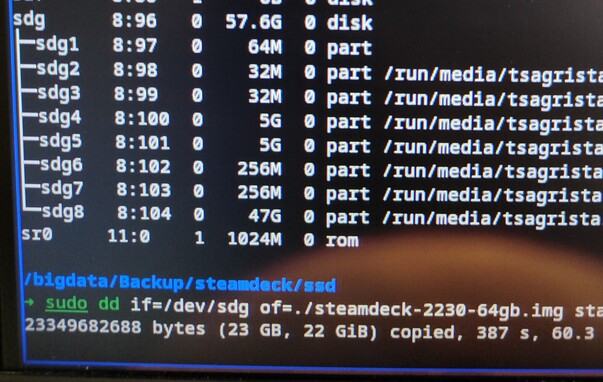
@playitloud now dd-ing the full disk image to the new SSD. Had to go through an intermediary file as I only have one M.2 slot. Once finished, will resize the last partition (data partition), add the disk to the deck and see if it boots. 🤞🤞
@jumpinglangur I didn’t even think about needing to take out my NVME drive to be able to image the one for the Steam Deck. That will be more annoying than anything.
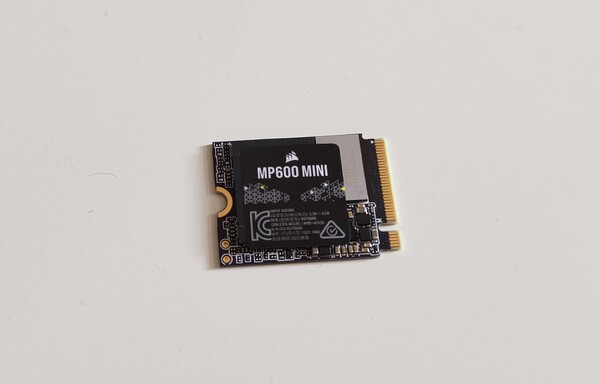
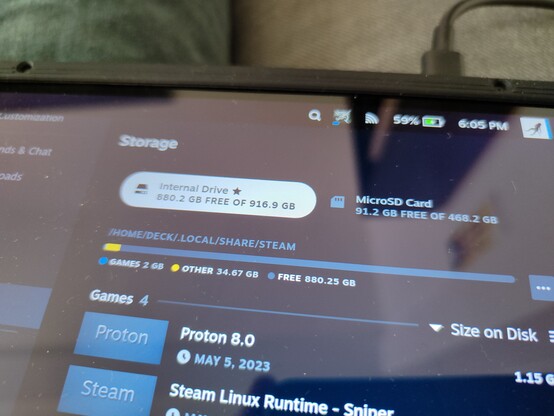
@provomeister@playitloud no, I imaged the full 64 GB drive with all partitions using dd, and then dumped the image onto the new 1 TB drive, also with dd. I finally resized the data partition with gparted, and installed the new drive. That's it!
 Jumping Langur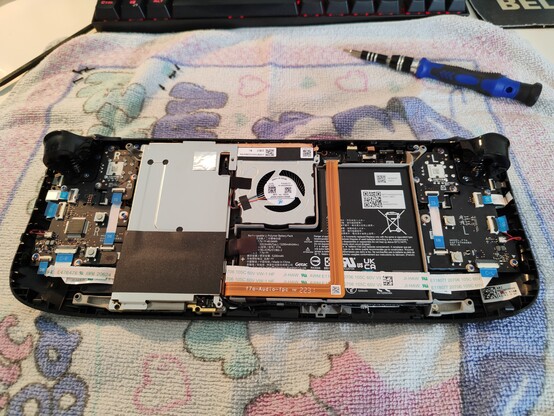
 Luke Welborn
 provomeister