 Elf Milf (Warrior Queen Arc)
i really wish I could figure out why my second monitor won't connect grumbly milf noises
 Socially awkward sub
@Smutty_Tiefling dodgy cable maybe?
@sawkward that was my first port of call, got a spare cable from a friend, and it works as long as it isn't plugged into the HDMI port on my desktop (the current monitor is an HDMI cable to a HDMI>USB adapter into USB since I only have the one HDMI port.
I've tried updating drivers, swapping cables and everything around, and I can only come to the conclusion that the HDMI port on my computer is fucked somehow, despite being INCREDIBLY careful with it during this move.
I've tried updating drivers, swapping cables and everything around, and I can only come to the conclusion that the HDMI port on my computer is fucked somehow, despite being INCREDIBLY careful with it during this move.
@Smutty_Tiefling that’s a weird one maybe see if you can add it manually through device settings
@sawkward if you mean this screen, then nope, it doesn't register there being a monitor here

@Smutty_Tiefling I ment this one it gives you the option to add device and may come up in the list. Alternate but costs money is picking up a cheap graphics card tat will give you multiple hdmi slots
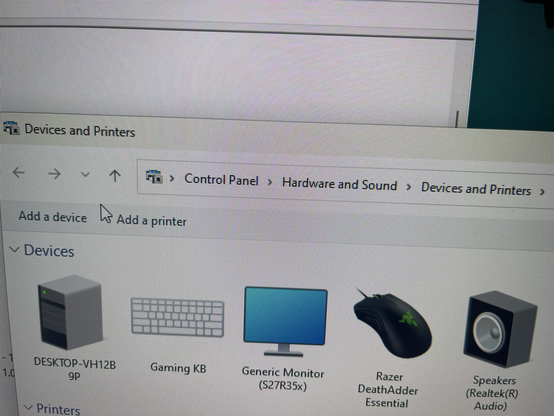
@sawkward took me a minute to navigate to that screen #FuckWindows11 Except NOW my second monitor is no longer giving me "No Input" but "Cable not Connected" errors.
Same cables, both still work just fine if I plop 'em into the USB adapter.
Same cables, both still work just fine if I plop 'em into the USB adapter.
@Smutty_Tiefling not got a clue why it’s doing that basically exhausted my knowledge with the device screen haha