 BenRiceM
Having Lots of Photos is a F**king Nightmare
https://www.benricemccarthy.com/having-lots-of-photos-is-a-f-king-nightmare/
Having Lots of Photos is a F**king Nightmare
https://www.benricemccarthy.com/having-lots-of-photos-is-a-f-king-nightmare/
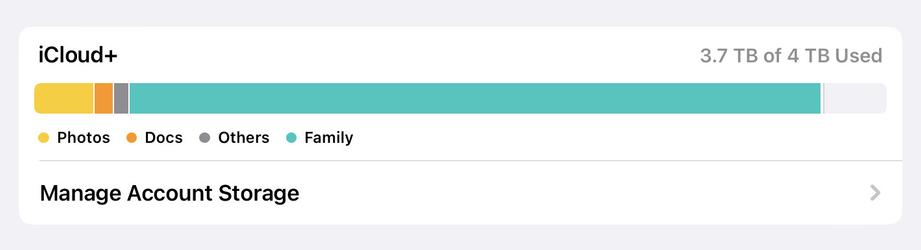
@joesarsero @BenRiceM we do similar with a shared Mac mini, but don’t keep everything in the iCloud library.
Instead I have an “Archive” Photos library on a drive attached to the Mac mini. Whenever iCloud gets full up I use PowerPhotos Merge feature to offload photos from the iCloud library to the Archive library. Then once I know they’re safely backed up, I just delete enough photos from the iCloud library to get me back under the limit.
 Dr. Joe Sarsero, Ph.D.
 Graham Harper