
LOOK. This is just a regular ol' website. No JavaScript whatsoever. Navigation pages with clicks <a> links to other HTML pages. The most basic website in the world. Yet, with a few lines of code to activate View Transitions, KAPOW.

Code is here:
https://codepen.io/chriscoyier/project/editor/ZGxnOb

View Transitions don't work in iframes yet, so you have to see here:
https://000694252.codepen.website/

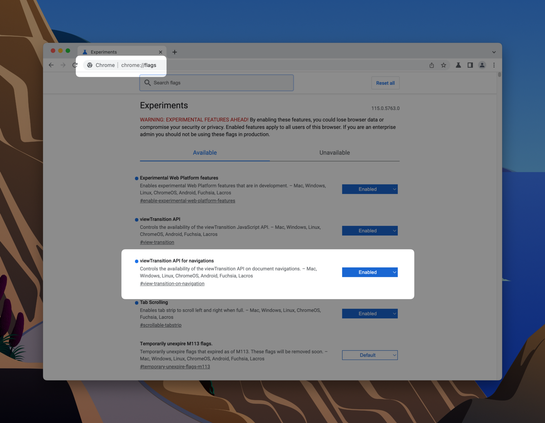
And you have to use Chome Canary and flip on the flag.
Do View Transitions Work Across Pages Yet?

...

CodePen
@chriscoyier What's defining the scaling effect? I don't see any ::view-transition selectors in the css. When I rig together my own demo, it just looks like a crossfade between the two pages...
@keithjgrant you get the crossfade by default unless you've got an element with a unique `view-transition-name` on both the outgoing and incoming pages.
@chriscoyier oh, found my problem. I had put quotes around the view-transition-name

@chriscoyier @keithjgrant What I don't get is *how* you made it work as a scaling animation? Does browser calculate element dimensions and interpolate between them only because you put a unique name?

I don't get this magic, because even if you do `transition-property: all`, it doesn't just give a way to make transition between implicit dimensions (no hardcoded `width`/`height`), but in case of View Transitions... it can?

@vintprox @chriscoyier that’s exactly it, it interpolates the transformation needed to move/scale to the size & position of the new element. You can also write your own custom animation instead