I've been tracking this one down for a few days. Ever since I updated to macOS 13.3, window dragging sometimes looks like this.

It happens with any window in any app. It stops when I hide some(?) other windows. Not sure why and which windows, but I'm working on it…


Here's a better screen recording of the laggy-window-dragging bug I described earlier (currently filed with Apple as FB12122106)

https://youtu.be/h0bKmcsMFvw

FB12122106 Demonstration

YouTube
@siracusa that jittering tells me some other process is trying to update the window position as you're dragging it
@stroughtonsmith I’ve been assuming it’s the snap-to-window-edge feature that was added to macOS several years ago, but somehow going haywire since 13.3 was released.
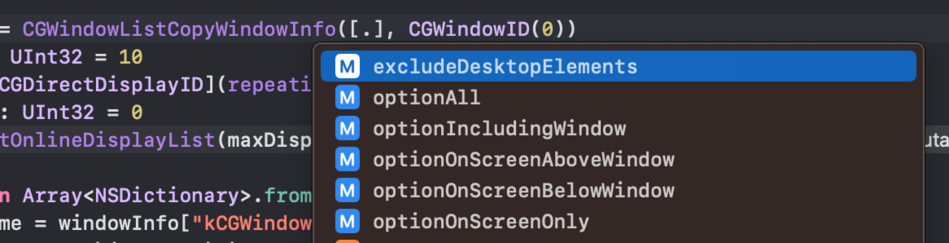
@siracusa I would be very surprised if it’s not at all related to third party software. It looks like something is looping over your window list and reading/setting frames 👀 I can open a hundred TextEdit windows here without seeing any slowdown to snap, and I'm just on a Mac mini
@stroughtonsmith It started immediately after I updated to macOS 13.3, so if it’s third-party, then it’s a third-party conflict with 13.3.
@siracusa could be something like the window list API changed internally to something slower than before, another one of those 'hope nobody notices' things?
@stroughtonsmith Also, it’s not the size of the window list that matters, it’s the number of *visible* windows, as demonstrated in my screen recording when merely hiding all the windows makes it behave normally again.
@siracusa I'm seeing if I can find an easy repro case, but those options /are/ available through API so I would be suspicious
@stroughtonsmith If it helps, the windows in my video are the only ones visible on the screen. (There aren’t more outside the frame of the screen capture.) So you can see the the number of windows required for reproduction is pretty small! Also, it takes some time (minutes to hours) after a reboot to start happening again. (It doesn’t stop after it starts.)
@siracusa @stroughtonsmith maybe something from some app got stuck in Accessibility settings? Empty out those plist files?