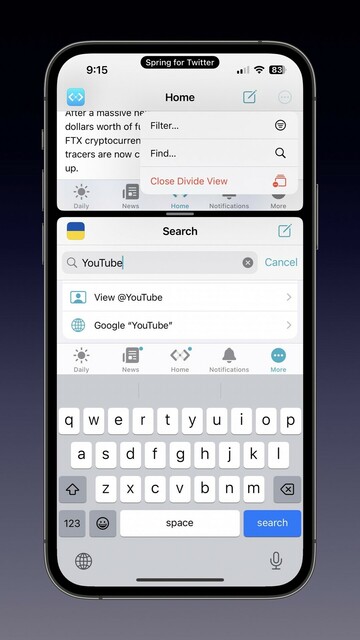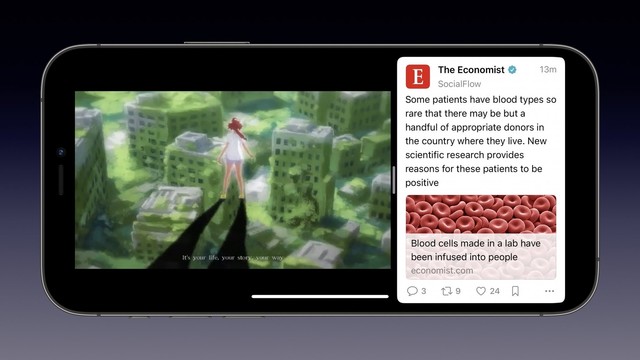
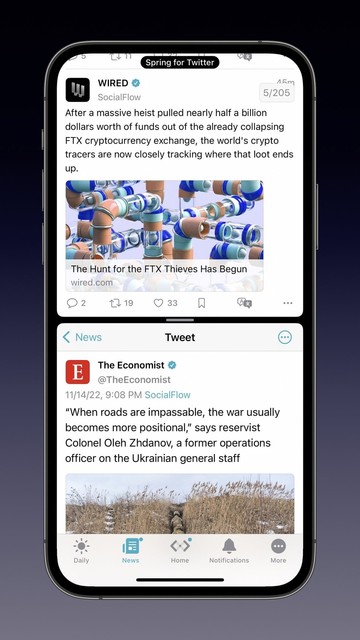
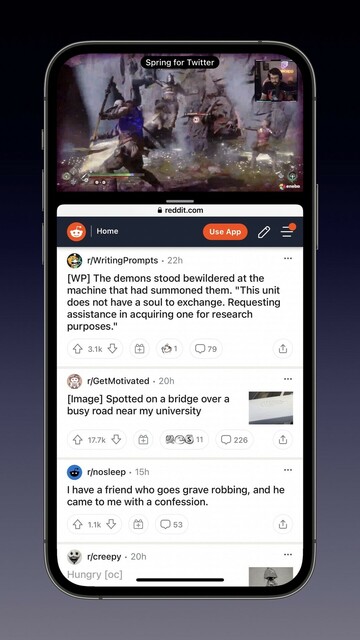
Mona supports Divide View, a feature that gives you a customizable split-screen experience on iPhone, so you could listen to a music video on YouTube while browsing Mastodon, or watch a Twitch livestream while keeping an eye on Reddit… The possibilities are endless!
I’d like to introduce you to some Mona features that you may not already know. 🧵

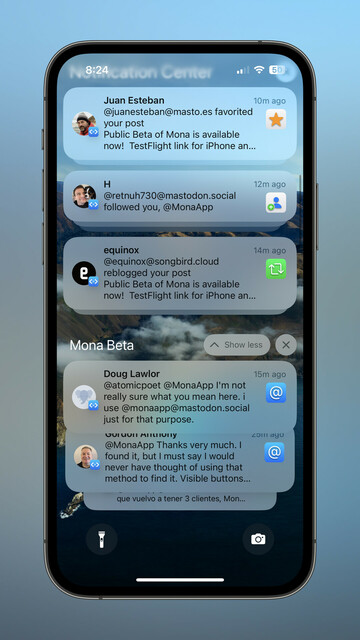
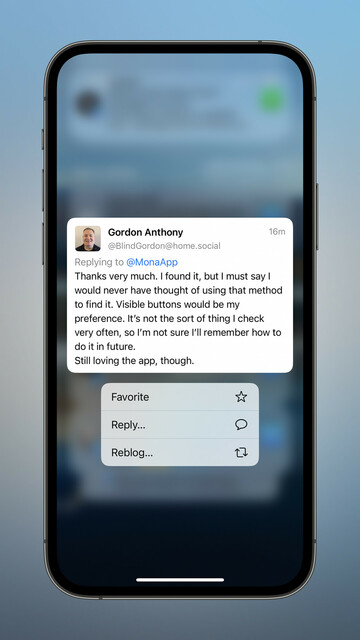
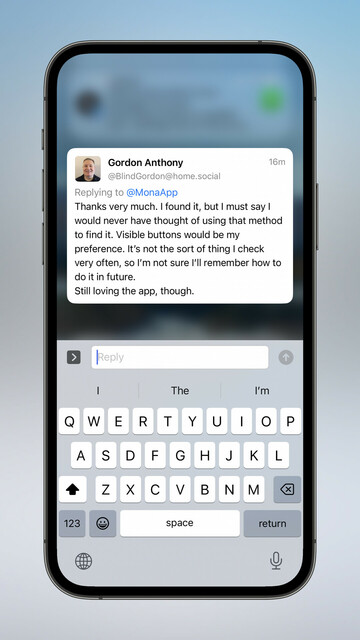
Rich notification preview and interaction:
1. You can compose your reply on the iOS Notification Center, without opening the app;
2. Mona Autosave saves you from “funk all the text I typed is gone” situation;
3. You’ll be notified in case Mona failed to send your reply.

Also works on Mac with macOS 11 or a newer system.

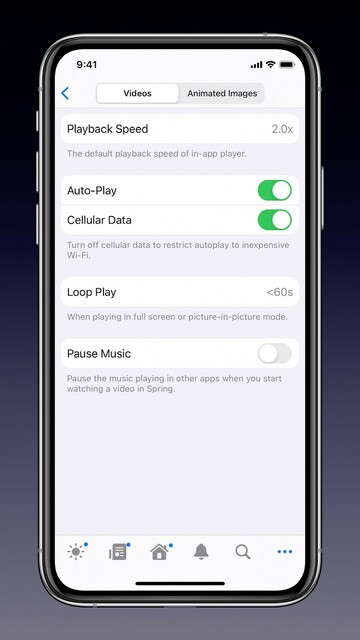
Mona offers video playback customizations:
1. Choose your default playback speed;
2. Conditionally loop play: for example, don’t loop play a video if it’s longer than 60 seconds;
3. Pause your background music (or not) when you tap to play a video in full screen.
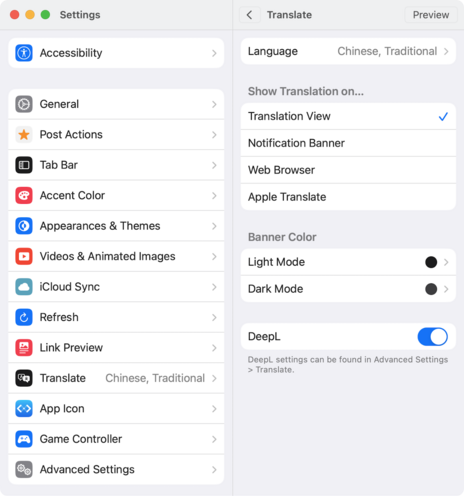
Mona offers a great multi-language translation experience:
1. You can choose how a translation result is displayed;
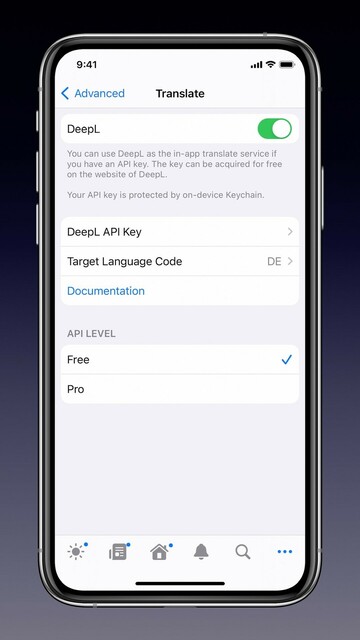
2. You can change your translation provider: Google, Apple, or DeepL.
* Apple Translate requires iOS/iPadOS 15 or newer, macOS 12 or newer
* DeepL requires an API key
If you don’t like the default placement of the Compose button, you can move it down to your Tab Bar (and we have some cool animations for it ;) You can also optionally adjust the Compose button’s appearance and position.
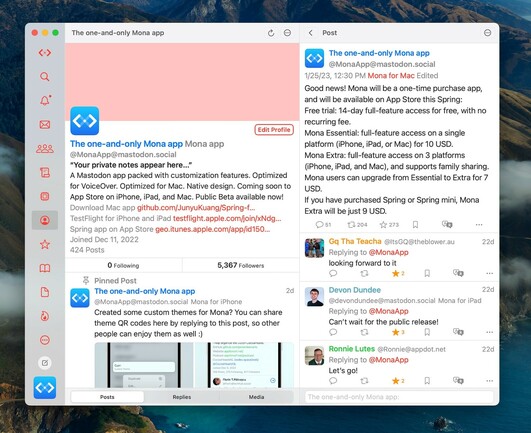
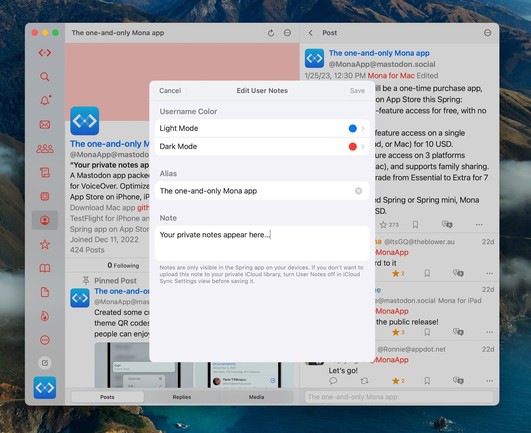
Mona’s “user notes” feature allows you to privately set aliases, notes, and username colors for other Mastodon users. So your friends will be standout on your timelines, and you will never forget why you followed someone, even after they change their profile photo and name. Your custom notes automatically sync between your Apple devices via iCloud, and are shared across all of your Mastodon accounts.
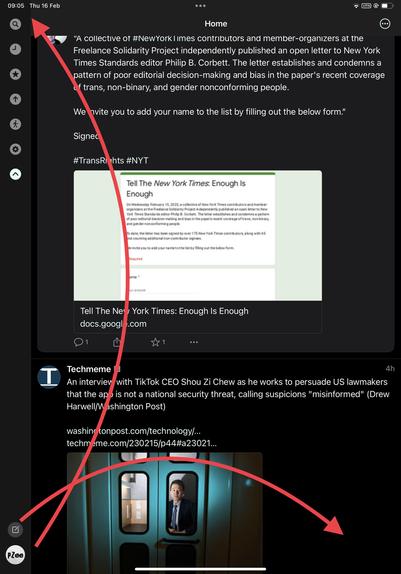
@MonaApp Hi Mona, this app is near perfect to me already, just have one or two design requests. Can the profile pic be on the topmost left on top of the other icons and can the toot/ write icon be a floating button on the right bottom?
Attached this screenshot if it helps, thanks
@pzee Thanks for the suggestion.