 George The Duck
 Mastodon Migration
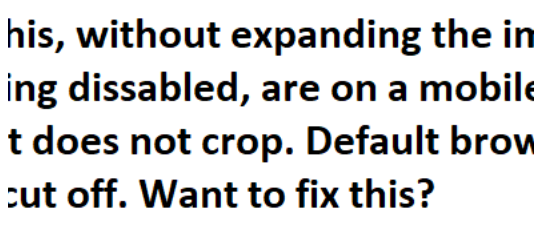
Been seeing a lot of cropped screenshots of Twitter nonsense lately. If you want your screenshots to be readable without expanding the post and not cut off on the sides for most browser users, post them as native 16:9 images. Also, you can adjust the focus point with the editor.
Check out this (longish) thread posted back on Dec 1:
Post Images Like A Pro >>> https://mastodon.online/@mastodonmigration/109440513681868009
Also written up here:
Post Images Like A Pro >>> https://medium.com/@mastodonmigration/sharing-advice-and-assisting-with-the-great-mastodon-migration-53c1a286b805#014e

Mastodon Migration (@[email protected])
Attached: 1 image TIP OF THE DAY Post Images Like a Pro - Solving the Image Posting Puzzle What's going on with images? Sometimes you can’t see the top. Sometimes you can’t see the sides. Text images are sometimes cut off. Is this broken? Once you understand a few simple tricks you can greatly improve the way others see your posts. Bear with it here. This is, after all, a puzzle. Expand this thread for more on How To Post Images and Images With Text… 1 of 9 #twittermigration #mastodontips #feditips #NewUser