 Neville Hobson
Trying to use the really nice new look and feel aka #vector2022 on #wikipedia. When I set this in Appearance > Settings, it reverts back to #vectorlegacy.
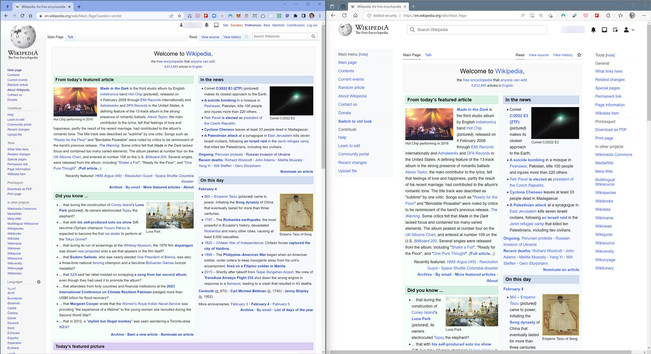
Every URL appends "?useskin=vector" to it in Chrome browser on Windows 11 (on left in screenshot, Edge on right). Every time. It doesn't happen on Edge.
I've deleted cookies in Chrome, emptied cache, no effect. Anyone with ideas on how to fix this?