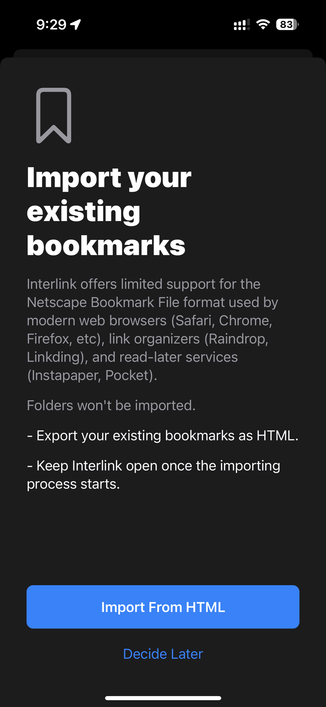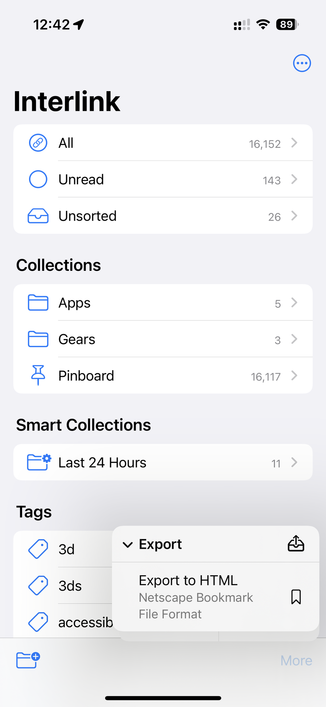
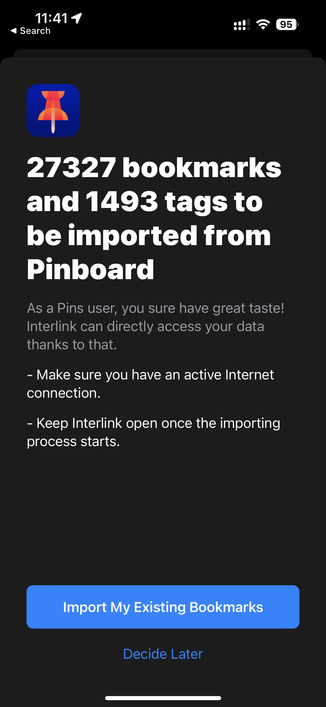
Must-haves for the first (upcoming) TestFlight build: Tools to import your existing bookmarks into Interlink and export your data elsewhere.

These include support for Pinboard (via @pins) and HTML/Netscape Bookmark File format for browsers (Safari/Chrome/Firefox/etc), link organizers (Raindrop/Linkding), read later services (Instapaper, Pocket).

Manual HTML export can be done at anytime.
Curiously Wallabag doesn’t export to HTML and modern tools like Matter/Readwise Reader don’t do that either.
@interlink oh wow, gross. I was all set to give Readwise my money but this gives me pause.

@misc @interlink curious… what would you want to export from Readwise that you wouldn't be able to? Looks like they support CSV and Markdown for highlights

https://help.readwise.io/article/56-how-do-i-export-my-highlights-to-csv-or-markdown

How do I export my highlights to CSV or Markdown? - Readwise

You can export all your highlights to a single CSV file here. You can export highlights on a document-by-document basis to Markdown by going to your Library and

@bradfordc @misc I meant Readwise _Reader_ which is more of a read later app. The original Readwise version is more about collecting and organizing highlights.
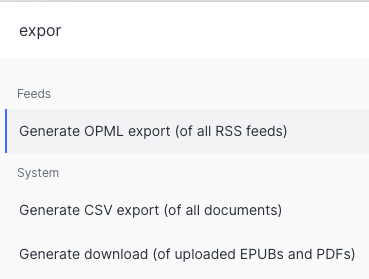
@interlink @misc ah… yes i have been using Reader. looks like it supports OPML for RSS feeds and CSV for all saved "documents"
@interlink @misc FWIW the fields in the CSV export are: Title,URL,Document tags,Saved date,Reading progress,Location,Seen