Zarton, Helpdesk
Ok, going to 🧵 some getting started on Mastodon stuff for my own sake...
So far, the absolute #1 place to start is this single (but lengthy) page:

/Apps/
There are many ways to consume Mastodon.
So far, I've tried to the 'official' Mastodon app, Tusky, SubwayToot, and via browser (mobile).
Atm, by far the best is browser. It's the only way to access certain features, like edit post...and the only option with translation.
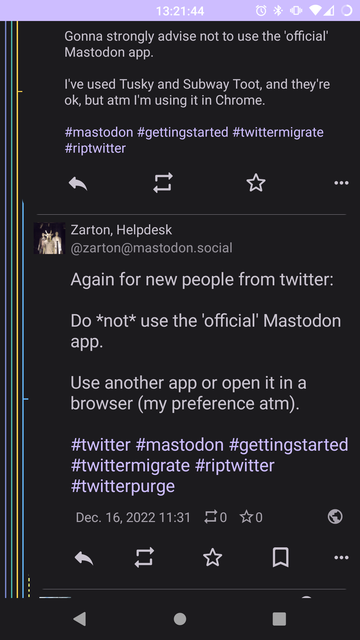
Gonna strongly advise not to use the 'official' Mastodon app.
I've used Tusky and Subway Toot, and they're ok, but atm I'm using it in Chrome.
Again for new people from twitter:
Do *not* use the 'official' Mastodon app.
Use another app or open it in a browser (my preference atm).
#twitter #mastodon #gettingstarted #twittermigrate #riptwitter #twitterpurge
 WhiskyPenguin
@zarton May I recommend Fedilab? It's an Android app available through F-Droid (for free) and Google Play ($2.49), and supports not just Mastodon, but Pleroma, Pixelfed, and Friendica, as well. It has multi-account support and the “new post”-screen is absolutely gorgeous. Plus: Access to the local timeline, which seems to be one of the biggest points of criticism about the official Masto app.
You can find Fedilab at https://fedilab.app/. They're also quite active here in the Fediverse @apps.
You can find Fedilab at https://fedilab.app/. They're also quite active here in the Fediverse @apps.
Thanks. I wanted exhaust the other options before breaking my piggy bank 😁
It has translate implemented, right?