 The Samus Aran-Contra affair
i was so so excited!! this just keeps scrolling on by! no apparent errors that i can see!
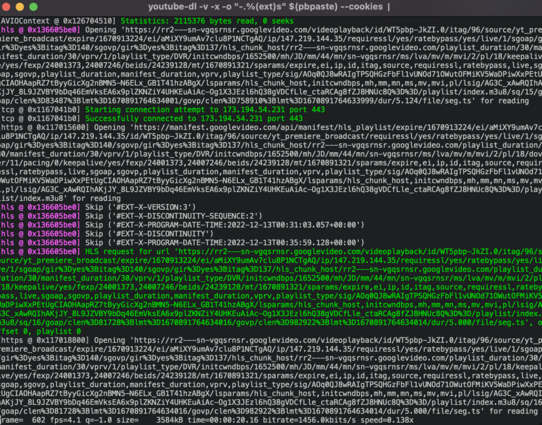
GOT IT working (i think)
it was far far better to alias the vlc to a short command first (syntax creep was occurring) and without that alias, i got a detailed zsh error & went on a goose chase (honk)
literally, it's just:
➜ ~ youtube-dl $(pbpaste) -o - | vlc -
(like the doc says)
pobody's nerfect ¯\_(ツ)_/¯
and if you want it to automatically go, gotta use this because it's treated like a playlist, not a file
youtube-dl $(pbpaste) -o - | vlc - --playlist-autostart
@fit7 Got it working on Mint with xclip
yt-dlp $(xclip -o) -f 'bv*[height=720]' -o - | vlc - --playlist-autostart
Specifying audio quality, or trying to stream something without video chokes because it needs to split out multiple outputs to then pipe to vlc... and my command line is too rusty to figure that out tonight.

 aquinas_0