 Alice Averlong🏳️⚧️
Testing a posting method, with a Pretty Floppy
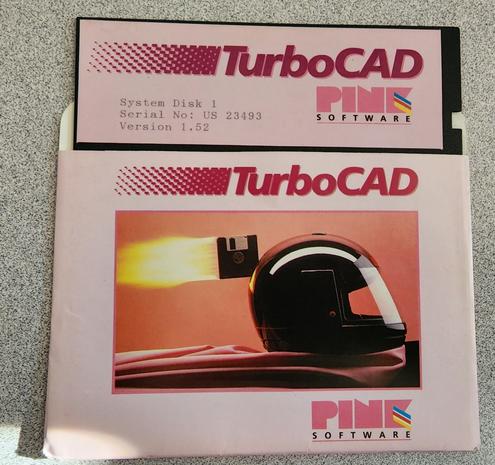
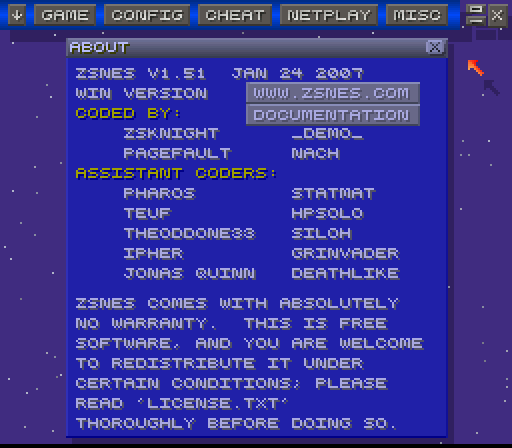
@foone doesn't PNG support similar compression like JPEG does? Maybe it just needs to be tickled that way / resized?
Asking since I *think* PNG is supposed to be a newer and better format, but I very well may be mistaken.
@viq no, the compression is completely different, both in effect and idea
The compression in PNG is lossless, like a ZIP (in fact, it uses the same compression algorithm as ZIP files, DEFLATE). You always get the same pixels out that you put in. Downside: you generally can't compress *too* much, and it doesn't really work for photographs, because even you have a picture of a white wall, it's not all the exact same white everywhere, unlike in digital drawings
@viq JPEG, on the other hand, is lossy. By creating a JPEG, you lose information you can't get back
The compression is complex-ish, based on the direct cosine transform, which works similar to a fourier transform, i.e. it analyzes the frequency components and then throws away subtle changes in the pixels you're not likely to notice
Work great for photos, because, like I said, in the natural world, white isn't pure #000000
 viq
viq Sven "DrMcCoy" Hesse