 Alice Averlong🏳️⚧️
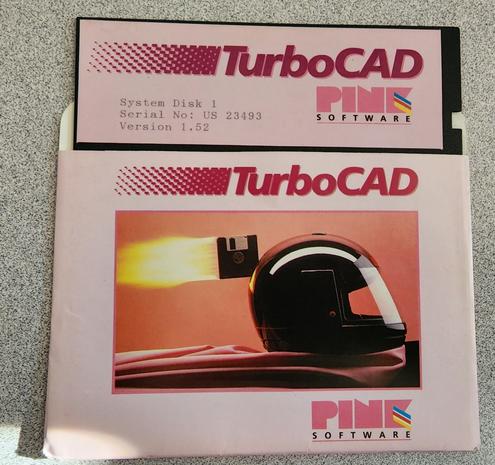
Testing a posting method, with a Pretty Floppy
@foone doesn't PNG support similar compression like JPEG does? Maybe it just needs to be tickled that way / resized?
Asking since I *think* PNG is supposed to be a newer and better format, but I very well may be mistaken.
@viq no, the compression is completely different, both in effect and idea
The compression in PNG is lossless, like a ZIP (in fact, it uses the same compression algorithm as ZIP files, DEFLATE). You always get the same pixels out that you put in. Downside: you generally can't compress *too* much, and it doesn't really work for photographs, because even you have a picture of a white wall, it's not all the exact same white everywhere, unlike in digital drawings
@viq JPEG, on the other hand, is lossy. By creating a JPEG, you lose information you can't get back
The compression is complex-ish, based on the direct cosine transform, which works similar to a fourier transform, i.e. it analyzes the frequency components and then throws away subtle changes in the pixels you're not likely to notice
Work great for photos, because, like I said, in the natural world, white isn't pure #000000
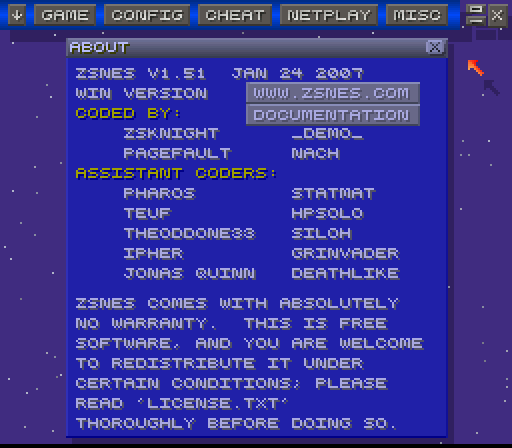
@viq But doesn't work well for anything with hard edges like digital drawings, comics, text, and also screenshot. You get "artifacts" around those, ringing. You might have seen those on badly compressed JPEGs of screenshots with text
For something here on social media, foone doesn't seem to care that much to get 100% pristine images, tho
And depending on the quality setting, how much it's compressed and how much you look for it, it might not be that noticable
@viq so it's not necessarily important that PNG is newer than JPEG, it's more that they solve different problems. They target different use cases
Roughly:
- JPEGs are for photos of the real world, with its impressions
- PNGs are for digital drawings, where you have hard edges, areas of exactly the same color, that sort of thing. Where it's important that what you put it is what you get out again
 viq
viq Sven "DrMcCoy" Hesse