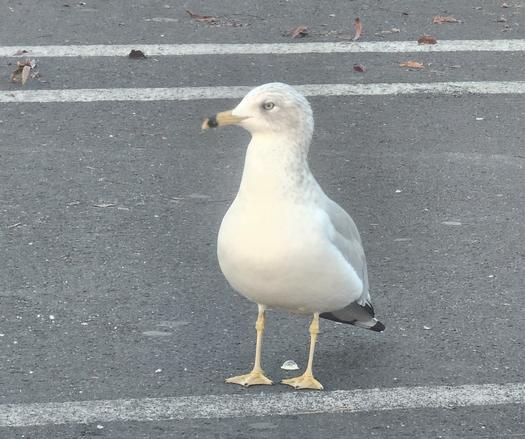
Testing a posting method, with a Pretty Floppy
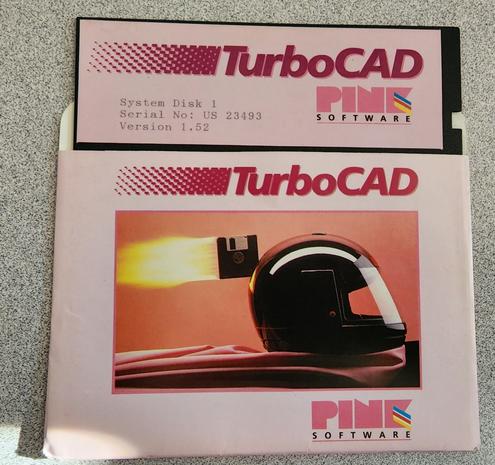
OKAY so if I copy-paste out of my image editor, like this, I get a PNG.
(better than a BMP, at least, and it makes sense for screenshots)
but if I copy a jpeg file in explorer, it pastes as a jpeg.
so here's my idea: I write a little script that yanks the PNG out of the clipboard, saves it as a JPEG to a temp folder, then copies that jpeg file. So instead of directly posting out of my image editor, I do copy, click the script icon, then paste.
that'd be only a minor change to my workflow, it'd fix the PNG problem, and it wouldn't be too hard to write, I don't think.
basically I'm trying to avoid the problem of posting giant PNGs when they'd be better served as a small JPEG. Twitter doesn't care what you post, it will JPEG them if it feels like it, and I have been unintentionally depending on that functionality
basically my workflow is this:
I take a bunch of pictures with my phone, then they get autosynced to my desktop.
on the desktop, I go into my camera folder and drag them all into my image editor. I rotate them as needed, then select the rectangle I want to post, and copy it. I then paste it into twitter/mastodon/whatever.
this technically still works on mastodon, but results in giant PNGs being uploaded, which load slowly and waste space on the server.
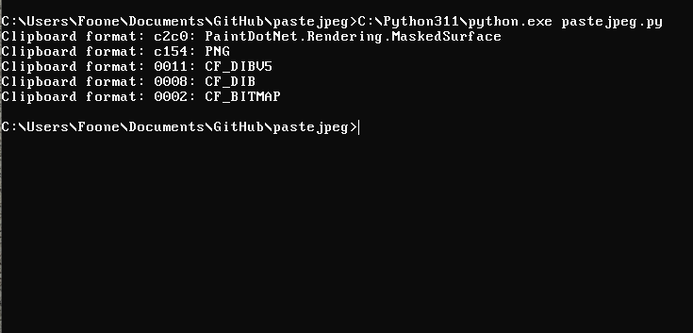
OKAY so if I copy a region in paint.net and then run my enumerate-clipboard-formats command, I get the following formats.
CF_DIBV5 is the recommended bitmap format, but there's a custom "PNG" format in there too. Maybe I can just grab that and throw it at imagemagick?
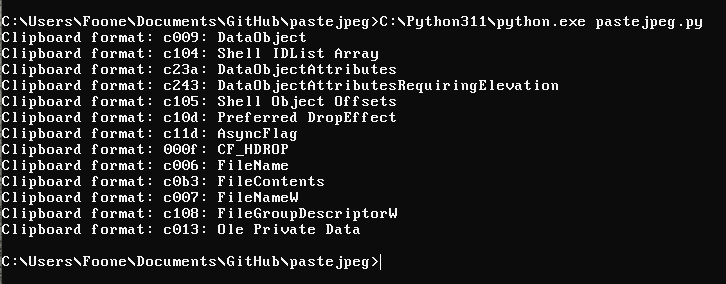
For comparison, after I copy a file from windows explorer:
I wonder what formats my browser will accept?
because in theory maybe I could give it just a CF_DIBV5 and JPEG-encode it.
a quick check of firefox and chrome source code, it looks like firefox goes for CF_DIBV5 and chrome goes for CF_PNG and CF_DIBV5
no idea if they'll accept a jpeg'd CF_DIBV5. I'm not certain I want to expend the effort to find out
But if I grab the data out of that C154 format, it's indeed a fully valid PNG file. Cool.
testing
it works!
and it's now on my github:
https://github.com/foone/pastejpeg
GitHub - foone/pastejpeg: Converts a PNG on the windows clipboard into a JPEG you can paste

Converts a PNG on the windows clipboard into a JPEG you can paste - foone/pastejpeg

GitHub
quick test again
There. Now I've got a little button on my task bar that runs it.
I'll stick a guide on how to set that up in the README when I get a chance.
@foone If I still had any doubt that you may not be the real Foone, this thread removed them.
@foone "pastej" in Swedish means approximately pâté, and... I'm not sure what to say about "pastej peg".

@foone
Oh yeah, I love GreenShot

I used to use Purrint for the longest time, but Win10 adds these huge margins around the windows. GreenShot gets proper pictures. Also scripting!

So I guess you're using Greenshot to grab the screenshot, and then it runs your pastejpeg program passing a path the the saved screenshot PNG to it? Then your pastejpeg probably replaces what's in the clipboard.