Testing a posting method, with a Pretty Floppy
OKAY so if I copy-paste out of my image editor, like this, I get a PNG.
(better than a BMP, at least, and it makes sense for screenshots)
but if I copy a jpeg file in explorer, it pastes as a jpeg.
so here's my idea: I write a little script that yanks the PNG out of the clipboard, saves it as a JPEG to a temp folder, then copies that jpeg file. So instead of directly posting out of my image editor, I do copy, click the script icon, then paste.
that'd be only a minor change to my workflow, it'd fix the PNG problem, and it wouldn't be too hard to write, I don't think.
basically I'm trying to avoid the problem of posting giant PNGs when they'd be better served as a small JPEG. Twitter doesn't care what you post, it will JPEG them if it feels like it, and I have been unintentionally depending on that functionality
basically my workflow is this:
I take a bunch of pictures with my phone, then they get autosynced to my desktop.
on the desktop, I go into my camera folder and drag them all into my image editor. I rotate them as needed, then select the rectangle I want to post, and copy it. I then paste it into twitter/mastodon/whatever.
this technically still works on mastodon, but results in giant PNGs being uploaded, which load slowly and waste space on the server.
@foone if you're going to make workflow chances, why not paste as webp? Or maybe Mastodon/apps don't support it?
 Alice Averlong🏳️⚧️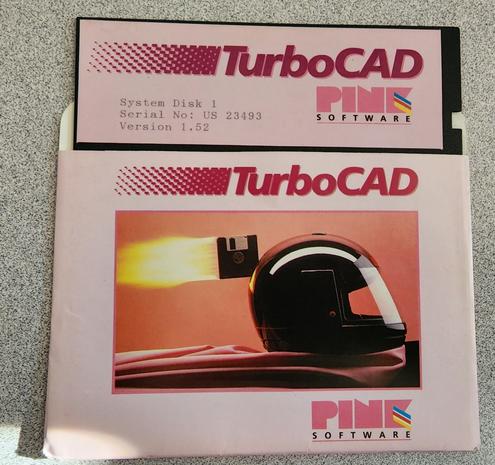
 Nelson Menezes 🇪🇺 💙💛