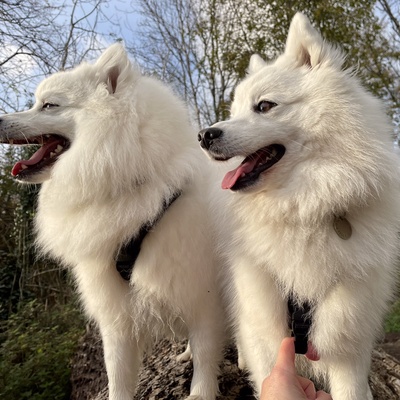
 Sir Scooby & Luna Spitz
Hello 👋 We feel very lost!! Don’t even know how to add a pic to this 😭😭😭😭😭 #dogsoftwitter #dogsofmastodon #catsoftwitter
 Jane Crofts and Archduke Ralph
@OrchestraDog Helloooo from the Eastern Shire I have been copying and pasting pictures but on this Metatext app have found a paper clip that allows me to attach a photo from my photo library. I am using an iPad.
 Ollie the Pappy
@OrchestraDog @jane63c
Yes….& if you have a Tenor gif keyboard, you can post gifs, too! You can download it, if you don’t have it! Olls x😊
Yes….& if you have a Tenor gif keyboard, you can post gifs, too! You can download it, if you don’t have it! Olls x😊
@OrchestraDog @parsleysmum have you worked out how to add folks to lists yet?
@OrchestraDog @parsleysmum I didn’t either but wondered if it might make life easier
@OrchestraDog @jane63c
Right….click on your thumbnail pic, top left….on the Metatext app….& Lists is one of the options! Follow it’s instructions! Looks quite easy! Olls x😊
Right….click on your thumbnail pic, top left….on the Metatext app….& Lists is one of the options! Follow it’s instructions! Looks quite easy! Olls x😊
@OrchestraDog @parsleysmum I now have a list name but no idea how to add anyone to it! I shall Google
@parsleysmum @OrchestraDog yep, went to my following/ers and clicked on each one then on the three dots top right on each profile and found add/remove from list. Easy when you know how!