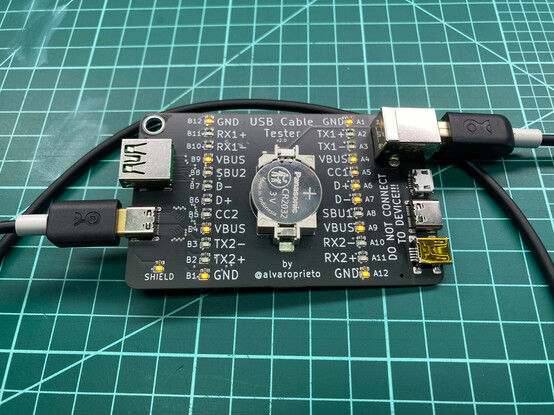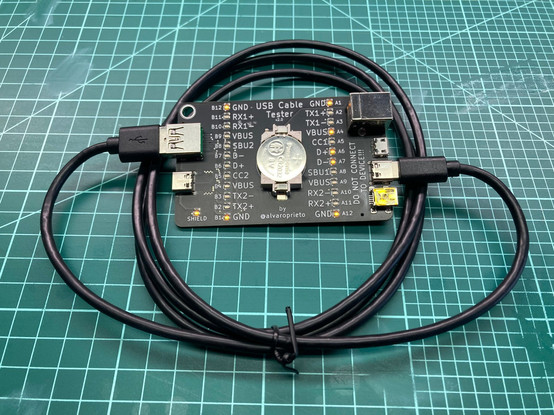
Ever wonder if your USB C cable is USB2 or USB3? Do you have some charge-only cables hiding in a box just waiting for the right moment to spoil your project plans?!
Fear no more!

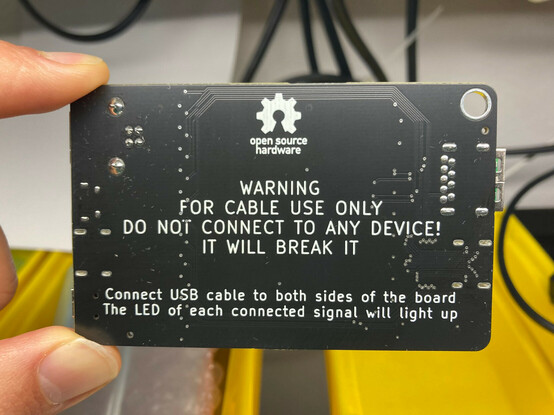
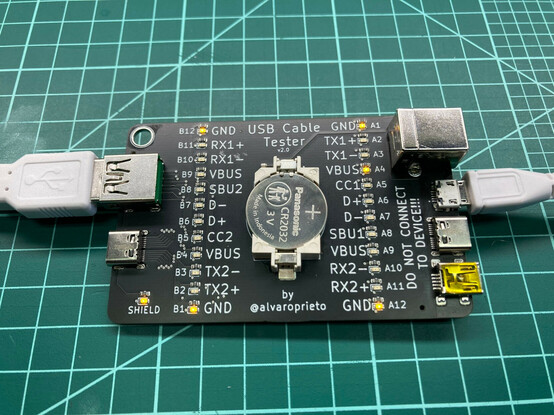
I’ve made a simple board to test most of the things!
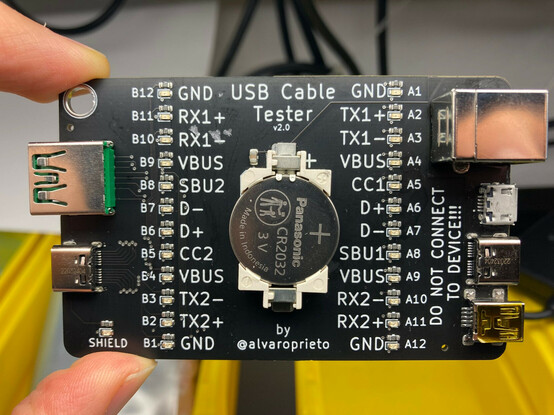
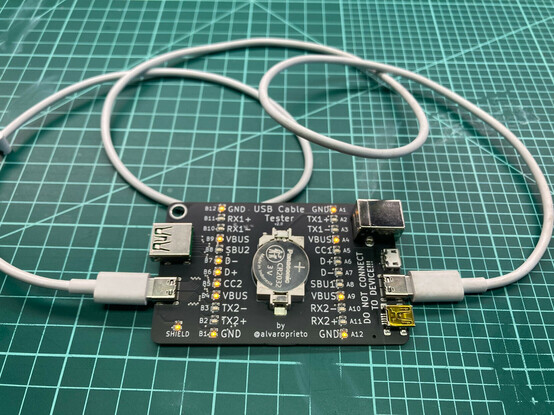
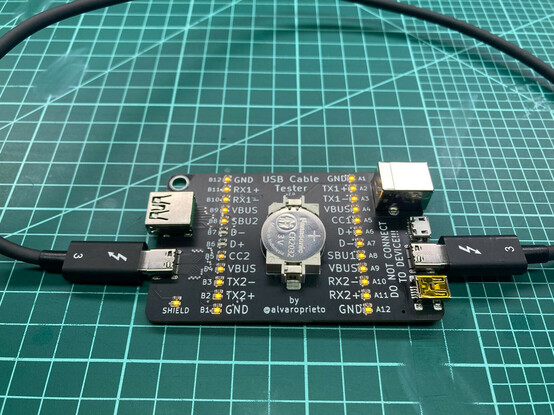
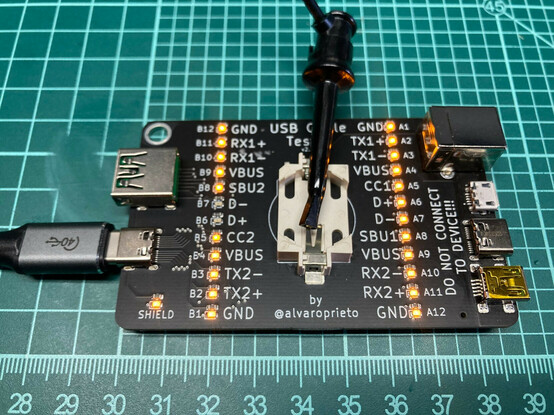
Connect your cable to both sides and the signal LEDs will light up if they are connected. Here’s an example of a USB2 cable and a thunderbolt 3 cable.
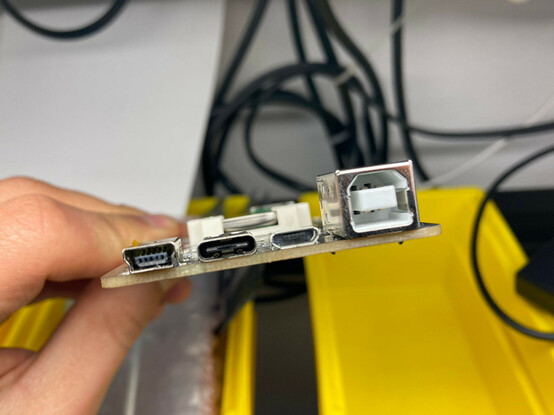
Want to test a USBA to C cable? How about a USBA to MicroB? USBC to B? MiniB? You’ve got it!
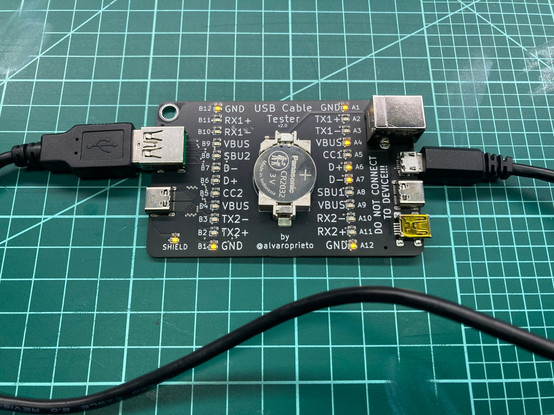
Here’s what a the dreaded charge-only cables look like. I had to make my own since I had previously banished them from my lab!

Best part of all? It’s open hardware! If you want to make your own, here’s the kicad project: https://github.com/alvarop/usb_c_cable_tester

I made a few, so if you know me and want one, let me know :)

GitHub - alvarop/usb_c_cable_tester

Contribute to alvarop/usb_c_cable_tester development by creating an account on GitHub.

GitHub
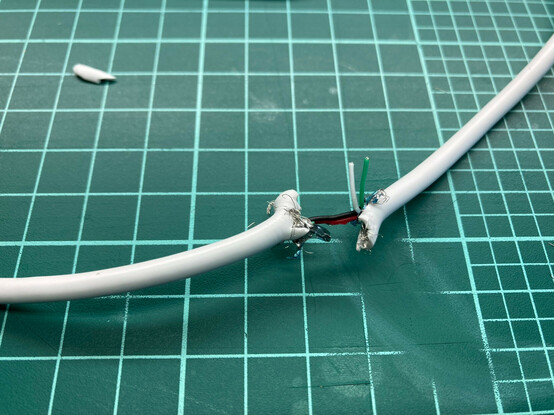
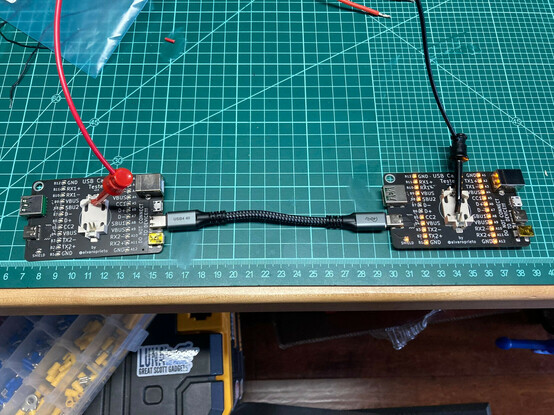
But….What if my cable is too short!? We have that covered too 😂

If you want to make it yourself, I've added gerbers, BOM, and assembly files here: https://github.com/alvarop/usb_c_cable_tester/releases/tag/v2.0

Should be pretty easy to order from JLCPCB. I have made a page with lots of screenshots on how to do it here: https://github.com/alvarop/usb_c_cable_tester/blob/main/ORDERING.md
:D
Release v2.0 · alvarop/usb_c_cable_tester

If you want to make these yourself, you can get the files below for JLCPCB. They include both gerbers as well as BOM/assembly files. You may have to rotate the battery holder if you're having them ...

GitHub
@alvaro I'd love to buy a USB cable tester, if you have one available!
@alvaro I would buy several of these, do you sell them online?
@shapr I don't, but you can get some made by JLCPCB. Here are the instructions https://github.com/alvarop/usb_c_cable_tester/blob/main/ORDERING.md
usb_c_cable_tester/ORDERING.md at main · alvarop/usb_c_cable_tester

Contribute to alvarop/usb_c_cable_tester development by creating an account on GitHub.

GitHub
@alvaro: You should try to put that URL on the PCB mask somewhere, maybe on the bottom of the backside text. So just posting the pictures would have sufficed to share the URL, even if the people would have to type it. 🙂
@alvaro You don't know me, but I'd be interested in one!
@bensonleung if you’re in the Bay Area, I can get you a few!
I’ve read your reviews for sure!!!
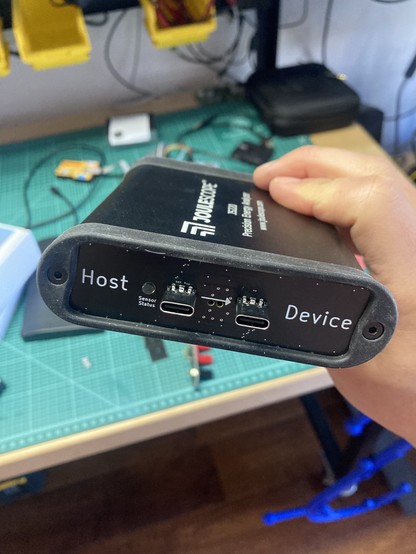
@bensonleung also, if you have a Joulescope JS220, I have a USB-C front plate for it as well
Hi @alvaro I would like one of those. The godforsaken cables drive me up the walls. Do you sell this perchance as a ready to use thing?
@alvaro I would totally buy one of these!
@alvaro why doesn't one of the VBUS leds on the left light up for the charge-only cable?
@electronic_eel because I only connected it to 1/4 vusb lines available. Since it’s a USBA cable there’s only the one. :D
@alvaro why no VBUS indicated on the left side?
@vbabka for the USB-A connector, only the right side LEDs are relevant. USB-C has 4 VBUS lines, USB-A just one