 Monnie
 Dr Pieter Peach
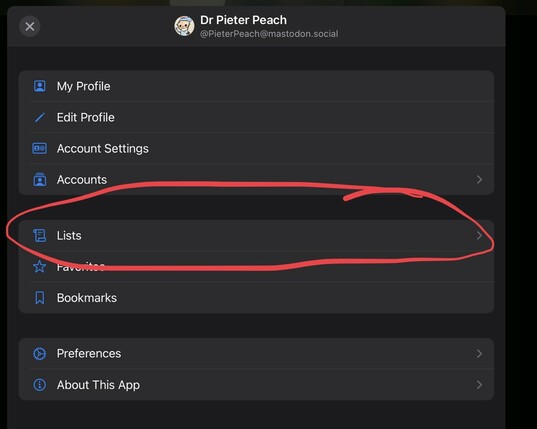
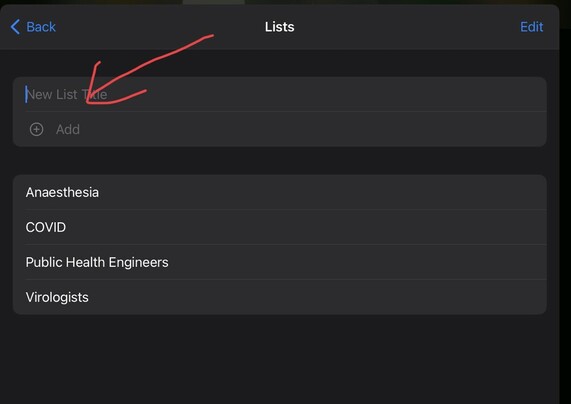
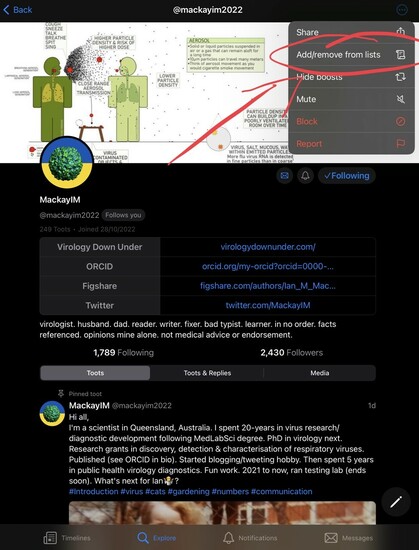
For people with varied interests that only want to have one Mastodon account, creating account lists is probably going to more important on Mastodon than it is on the other site. This way you can view content relevant to your current interest. Here is an example of how to create #lists using the #metatext mobile client. They will start out empty, but content from these accounts will gradually appear as new content is created. #NewbieTip
 SarahJadeHunter