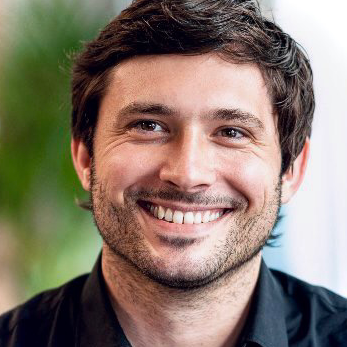
 Matthias Ott
Just downloaded my Twitter archive again and converted it to Markdown, including high-res images this time. I suggest you do the same if you want a backup of your data that is independent of Twitter’s servers and free from obfuscated t.co links.
Here’s a quick how-to:
https://matthiasott.com/notes/converting-your-twitter-archive-to-markdown
Converting Your Twitter Archive to Markdown · Matthias Ott – User Experience Designer
Matthias Ott is an independent user experience designer and developer from Stuttgart, Germany. Besides design practice he teaches Interface Prototyping at the Muthesius Academy of Fine Arts and Design, Kiel.
 Rosanna Cantavella