 Annika Backstrom
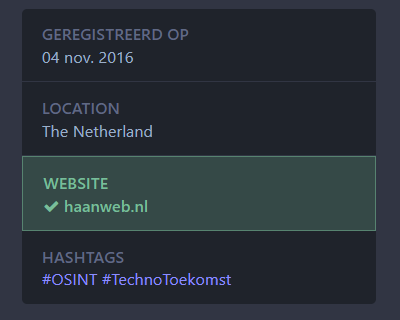
To *actually* verify your Mastodon account, link to your personal site in your profile and set a rel="me" header on that target page. https://docs.joinmastodon.org/user/profile/#verification

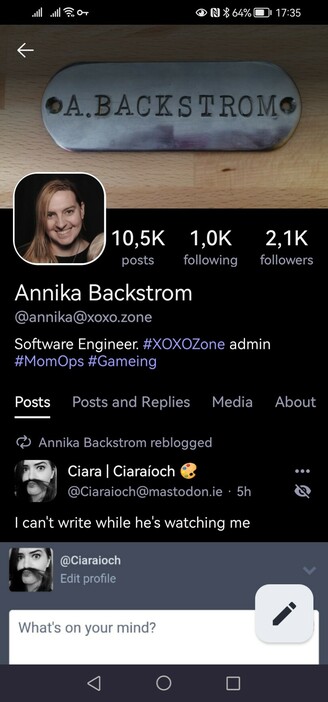
@rickdus Is it under "About"? I don't recognise your client offhand
I get a small check mark in Tusky, and the official Android app doesn't show it at all 😬
@rickdus Your verification does show up on my server. I would say it's probably just persistent load on mastodon.social that's preventing verification, but only an admin could confirm (and Eugen is pretty preoccupied at the moment).
There's always the option of relocating to another server, but I'm not sure if that's something you're interested in.
 Rick de Haan