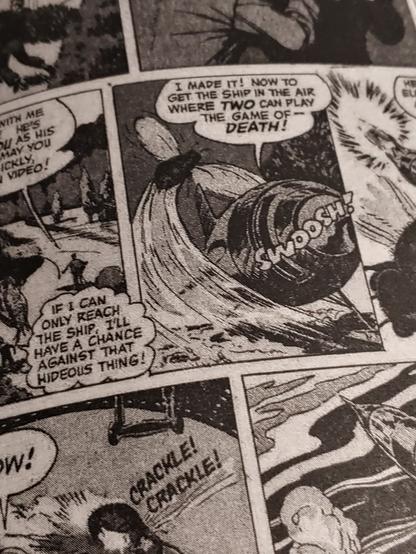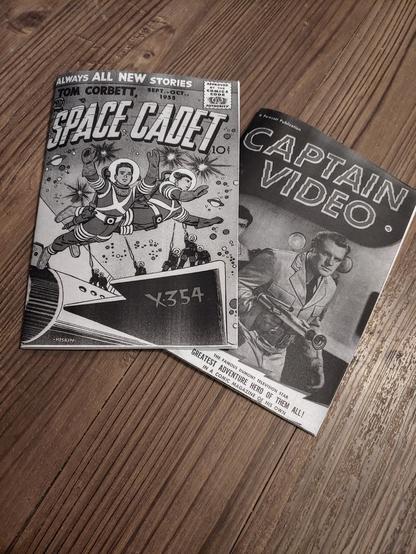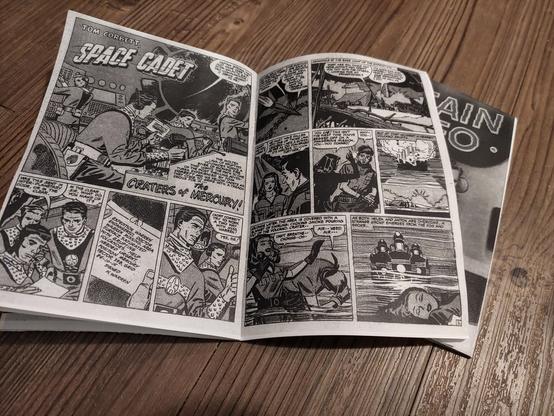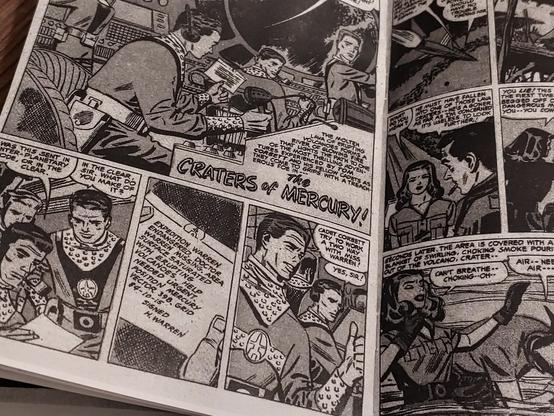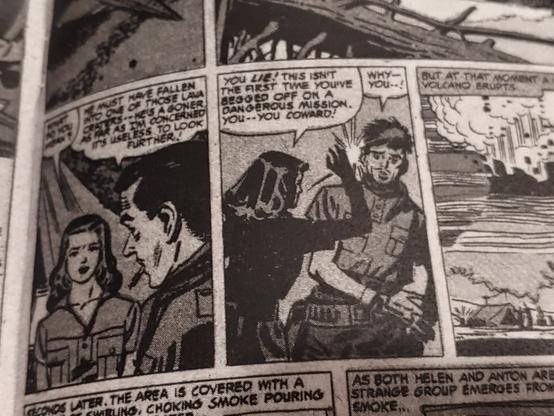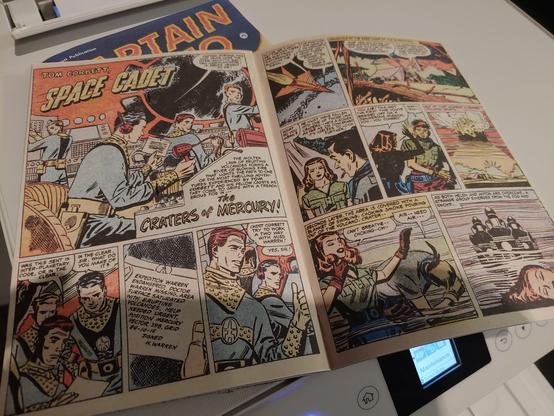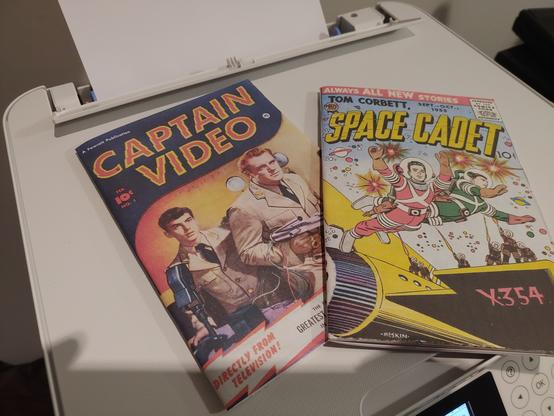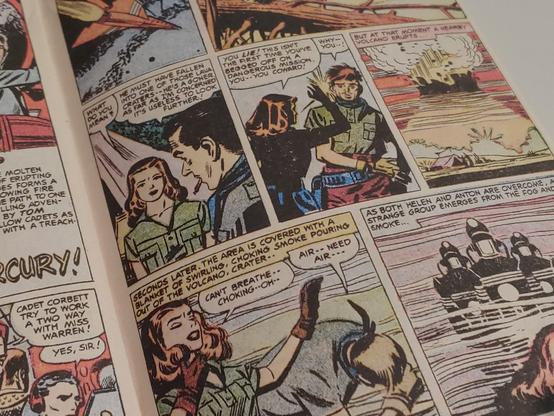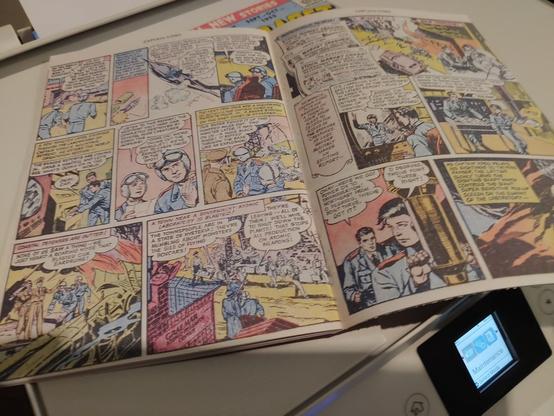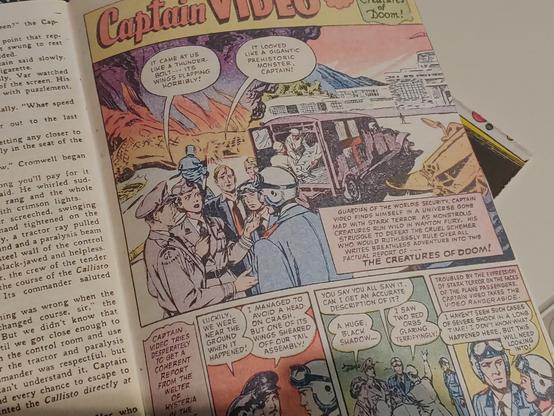
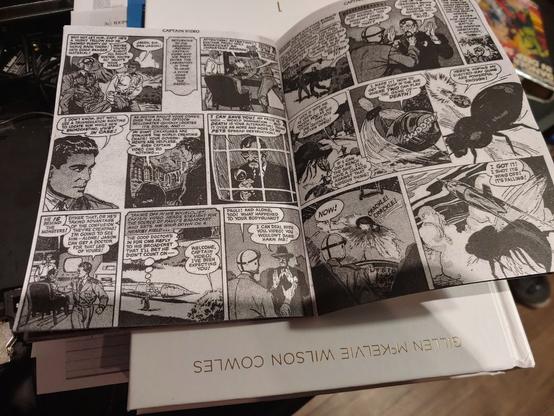
This is what comic books look like on my laser printer, in digest size, in black and white, saddle stitched/center stapled, tightly trimmed.

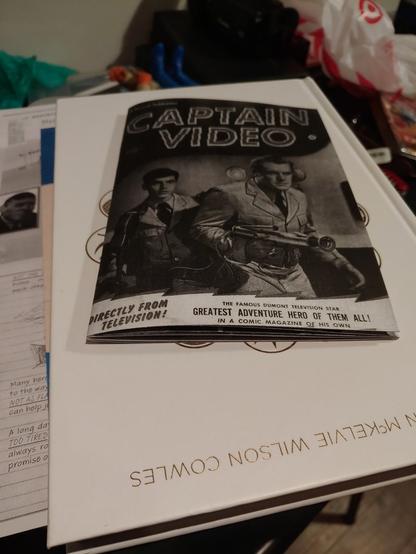
I don't have my color printer yet, so this also has a B&W cover. I don't love the look of that, but the rest came out pretty good.

The comic book in this case is Captain Video and his video rangers. I've done no processing on it, this is exactly how I downloaded it from comic book plus.
normally whenever I work with these kinds of comics, especially when I'm working from scanned publication prints and not from original artwork, I have an involved process that I go through to clean up each panel.

This starts with an automated suite of scripts I've cobbled together over the years, and ends with some manual cleanup.

It makes a huge difference if you're printing in color, at original size, or making a remix. In b&w and digest size, it is not worth the effort.

When my color printer arrives tomorrow, I'll redo the same comics from the same files, all in color and see if they exposes a need for cleanup, but these scans are pretty good, so I'm not expecting it to be a big enough benefit to merit the effort.

I'll also do some color cover/B&W interiors, to have some examples in that style to show, and to get a feel for the difference in speed between the printers.

Might even try to find some thin, high gloss paper to use as covers.

Here are a couple more shots of the comics.

Unfortunately, the only space in my home with anything approaching even lighting is my living room floor, so that's where I took these.

(No description on the images, it's pictures of comic books.)

This method takes about two minutes. It takes between thirty seconds and one minute for each book to print, it takes about the same amount of time to jog the paper, crease it, staple it, and trim it.

These are 36 pages/9 sheets of paper. Other publishers run a little longer or a little shorter, but I'll probably keep the comics I'm printing between 24 and 48 pages (6 and 12 sheets.) (The idea being that no single story is going to go over 12 pages, and I'll probably do 3 - 4 stories/book.

Oh! Let's talk about cost.

I overpaid for this paper a little bit so that I could get it without having to make a special trip, and I ended up paying $0.007 per sheet. I normally pay $0.005/sheet, so this isn't a Huge difference, but I'll do the math for both.

36 pages is 9 sheets. That's $0.045 at half a cent a sheet or or $0.063 at 7/10ths of a cent in paper.

(see next post for toner and final costs.)

At current toner yields, I can get roughly 1500 sides at roughly this coverage from a cartridge, and I can refill that cartridge four times (for $5/two refills) without suffering much loss of quality, and another two times before the quality takes a serious hit.

I use third party cartridges which cost $12.50. I need to replace the drum about as often as I need a new toner cartridge, and those are about $16.

So 10500 sides for $43.50, or $.004/side, $.008/sheet or $.002/page or $0.07/book.

Now, of course, that's a rough estimate and contingent on me doing a lot of printing (and sometimes I can eek out more than 1500 sides, and sometimes I can't get that high.) but I print a lot, and on the balance that's about where I land.

That gives me a total cost per book of 11.5 cents at my normal paper costs, or 13.3 cents at what I paid this time.

That's, again very roughly, an average of $1.25 for every 10 books, or $5 for 40 in consumables.

They take about two minutes to make. So 40 books would take about an hour and a half. (Minimum wage is $7.25, for an hour and a half that's $10.875, plus the cost in consumables is $15.875 for an average cost per book of 40 cents including labor.)

(and, really, it doesn't take two minutes to make a book, because more than half of that is waiting on it to print. so you queue up all forty to print and it takes about an hour, even if you're not paying close attention.

but whatever. I'd want to pay more than minimum wage if I was having someone else do this.

My point is just that this method is about as cost effective as I've been able to manage for consumer grade equipment.)

In the past, we used a different laser printer with cheaper cartridges and cheaper refills and we abused the hell out of it, and I was able to get that cost down to $0.001/sheet.

The end result looked like garbage, but whatcha gonna do?

Now, I seriously doubt that the ecotank printer is going to be even a little competitive to that, but preliminary investigation indicates that it claims to be hitting even better numbers.

If it is actually hitting better numbers... I don't really know what to do with that? I mean, I guess I'll print in color.

But I'm suspecting that it'll end up costing slightly more per page, but within the same sub twenty five cent per book including paper range.

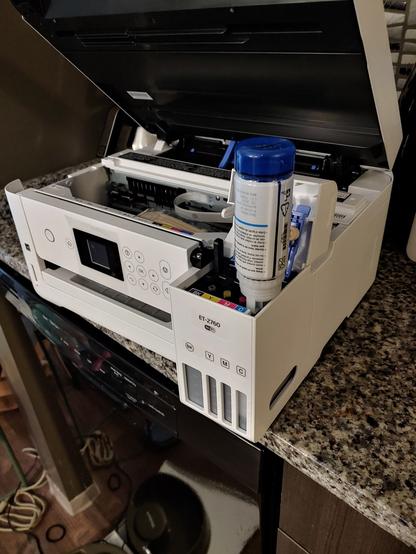
Setting up the printer took a little longer than I expected. Like an hour all things considered, but it's printing now.

It's honestly about the same speed as the laser printer. If the consumables report can be believed I have enough ink to print several hundred (maybe even a thousand?) comics.

First one should be off the line in a second, and then I'll staple and trim (and photograph!).

Cool, the first one just finished. It's actually printing about 40% faster than the laser printer. I'm not sure why, but that's neat.

The end result is a touch under-saturated on this paper, for my taste, so I'm going to go tweak some settings and see if I can fix that a bit.

Pictures!

Now, any professional printer would tell you that this looks like absolute ass.

And they'd be right! It's a scan of a 65 year old print, that was poorly treated, and badly made back in the day. It's slightly under-saturated, the lines aren't sharp, it's on the cheapest paper that consumers can buy.

But, frankly, it looks a lot like a vintage comic book.

If I had a high gloss cover for that first page, it'd be pretty much dead on the money.

I'm pretty fuckin' pumped.

Unfortunately, a bunch of these space comics have shitty western stories thrown in the middle, and western stories are almost always explicitly racist, and even more often implicitly racist.

So, you know, I gotta pull those out before I distribute any comics.

BUT!~! look at how good these look!

I'm going to probably end up writing a script that'll generate some bleed area around the images, so I don't have to crop so exactly (you can see a few areas where I screwed up if you look close enough.)

But! Comics!

Gonna print two more and then go get some food or something.
I found pizza, gonna print a million more and eat leftovers.

@ajroach42

> I found pizza, gonna print a million more and eat leftovers.

I briefly thought you'd found a way to print a million pizzas. And yeah, I'd say that'd generate leftovers!

@codesections @ajroach42 let me introduce you to #BeeHex, who are behind the #pizza #3DPrinter called #Chef3D: https://www.businessinsider.com/beehex-pizza-3d-printer-2017-3

«Starting later this year, the Chef 3D will appear at select theme parks, sports arenas, and malls. Compared to human workers, the robot is faster, cleaner, and more consistent, French says. Only one person is needed to work the machine, which can lay down the dough, sauce, and cheese for a 12-inch pizza in one minute, before you pop it in an oven for five.»

This robot can 3D-print and bake a pizza in six minutes

BeeHex, a startup that just raised $1 million, has engineered a robotic 3D printer that can make any type of pizza. Here's how it works.

@FiXato @ajroach42

@codesections @ajroach42

> let me introduce you to #BeeHex, who are behind the #pizza #3DPrinter called #Chef3D: https://www.businessinsider.com/beehex-pizza-3d-printer-2017-3​

I don't know which is more frightening, the idea of a pizza cooked in 5 minutes, or the fact that their name seems to be contrasting them with all the *2D* chefs out there

@codesections @FiXato Mod pizza does five - seven minute pizzas in their 600 degree oven, but that's with real people involved.