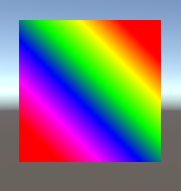
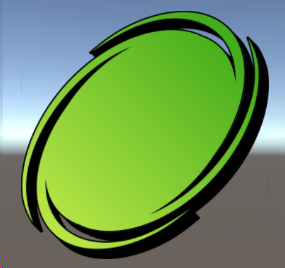
 Ame !
Ame !Unity's UI Image component doesn't allow you to set a gradient as the colour (and also thus not the angle of a hypothetical gradient) so I set out to create a solution myself. This would ideally be done in a shader that interacts with the component to retrieve its values but...
 shrubby
I at least got it working !! You can check out the script here. https://pastebin.com/xQ68hqdu
This instead sets the Image component's sprite to a modified copy of whatever you assign to this script
Here's some previews of what it looks like !