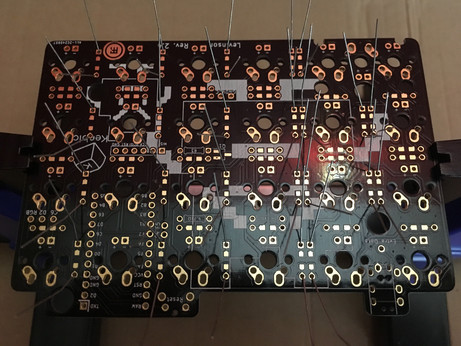
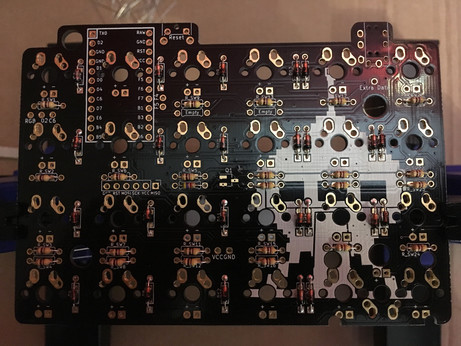
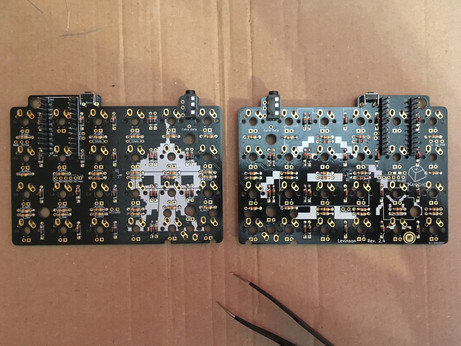
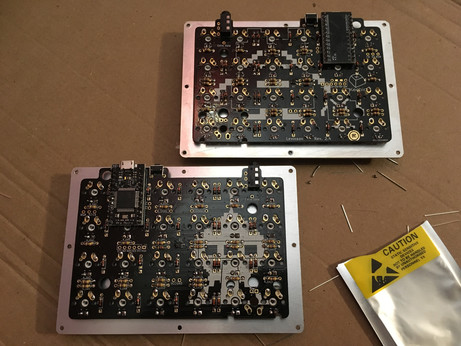
Soldering diodes and resistors on the Levinson PCBs was the easy part. I think I've finally understood how to use a soldering iron (and I also think the one I use is crap).
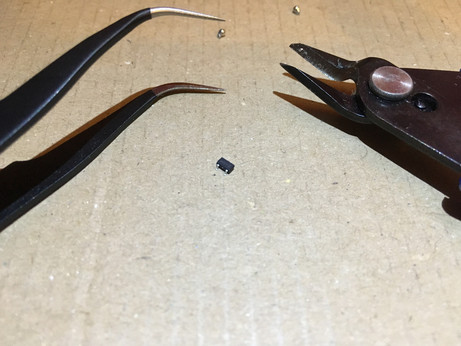
Building a 40% split keyboard, part 3: among various other components, I had to solder that awfully tiny thing called a metal-oxide-semiconductor field-effect transistor (MOSFET) and it was a long and painful process. Twice, of course.
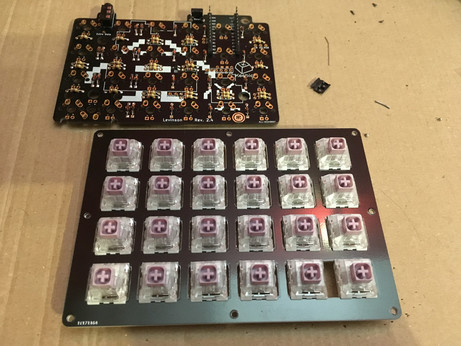
That special moment when you've finally soldered everything on your keyboard and suddenly notice you've forgotten the one resistor that would require to de-solder all 24 switches to be installed properly and light up that single missing LED: priceless.
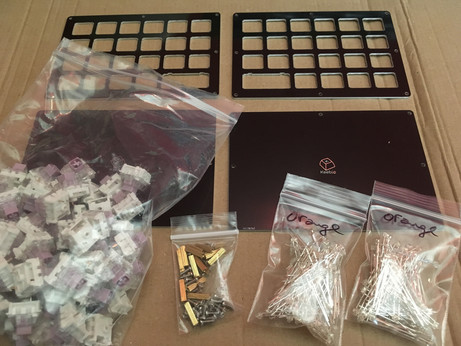
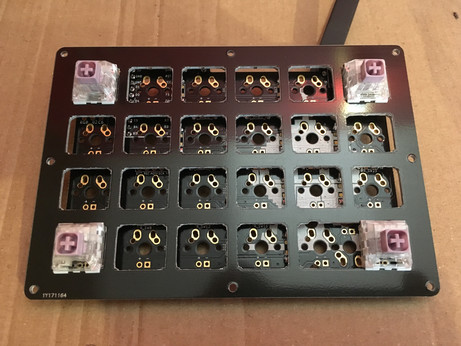
Adventures in mechanical keyboards land update: switches (Hako violet, lovely smooth, light and tactile) have been installed. Entering the hazardous "let's flash the micro controllers and solder them if they work" phase.
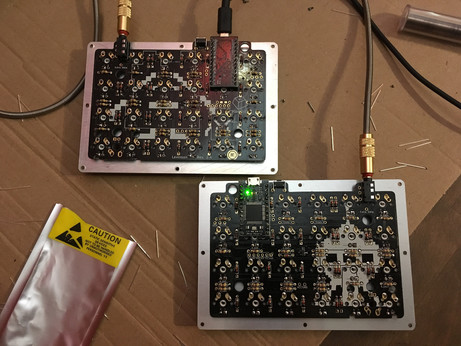
Keyboard micro controllers flashed, tested and soldered. It's alive! In fact I had no idea if everything worked or not until I soldered both controllers, especially with this strange mirrored master/slave system, but apparently it does.
@gaeel From what I've understood, master has its controller facing down and slave has its controller facing up. Once both are flashed, you only need to flash the master for updating the keymap. But if you plug the slave instead, you get half a keyboard with a reversed keymap.
@gaeel I don't think the slave would work as intended if it's not connected to the master with a TRRS cable. But I'm quite a noob regarding how keyboards actually work, I guess this would need some experiments :)
 lectronice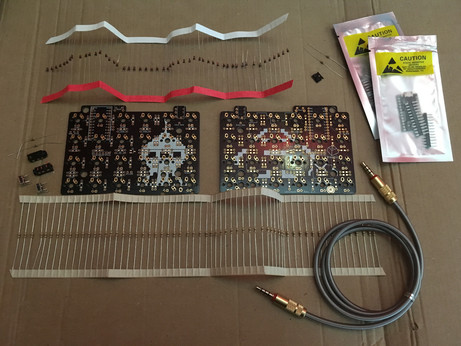
 gaeel
gaeel