 Mika
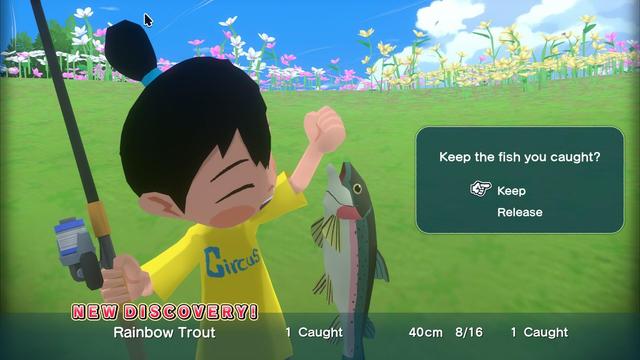
MikaI've been playing #NatsuMon, the successor to #BokuNoNatsuyasumi, and I'm really loving it. One weird thing though, when I tried installing it on my #SteamDeck, I couldn't cos it thinks it's a #Windows only #game so the "install" button was greyed out for me.
The workaround when encountering this issue is to "override" the compatibility tool or #Proton version to install/run the game with - which I chose Proton Experimental. Doing so allowed me to install the game and play it perfectly. What's strange tho, is that just afterwards I tried installing the game on my partner's Steam Deck and on hers, I did not have the issue of not being able to install the game, and was able to install without specifying a Proton version to use.
I've encountered this weird #Steam on #Linux quirk on generic Linux PCs before, but not on the Deck. Both Steam Decks are virtually identical and are running the same #SteamOS and Steam client versions. What's up with this inconsistency?
The workaround when encountering this issue is to "override" the compatibility tool or #Proton version to install/run the game with - which I chose Proton Experimental. Doing so allowed me to install the game and play it perfectly. What's strange tho, is that just afterwards I tried installing the game on my partner's Steam Deck and on hers, I did not have the issue of not being able to install the game, and was able to install without specifying a Proton version to use.
I've encountered this weird #Steam on #Linux quirk on generic Linux PCs before, but not on the Deck. Both Steam Decks are virtually identical and are running the same #SteamOS and Steam client versions. What's up with this inconsistency?
 Leahp
Leahp

 Poltergeist
 Tony // jpgames.de

 NullNoMore