 georgeofthegorge
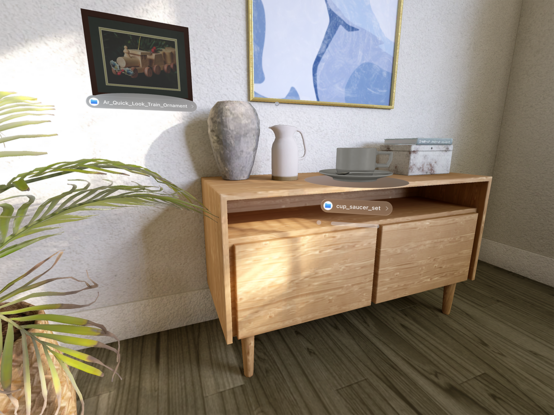
Open USDZ files in the Vision Pro Simulator using the simulator’s Files app. Then close the Files app. #visionOS
Drag the USDZ object with the simulator Select tool by dragging slightly above the [x]. Dragging the USDZ object directly rotates it. USDZ files that display correctly in AR QuickLook on iDevices appear too dark in the simulator. #VisionOSTips #visionpro
Drag the USDZ object with the simulator Select tool by dragging slightly above the [x]. Dragging the USDZ object directly rotates it. USDZ files that display correctly in AR QuickLook on iDevices appear too dark in the simulator. #VisionOSTips #visionpro
 Jeff C. 🇺🇦🇬🇱