 sevetech
#productivity
#notetaking
#digitaltools
#paperstackpro
#weeklyplanner
#minimalistworkflow

Sevetech (@sevetech)
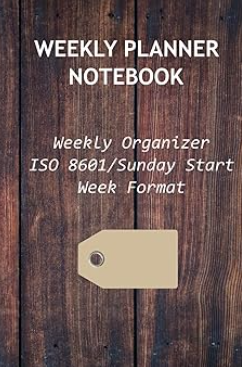
One of the quiet superpowers of the PaperStackPro notebooks is the set of digital extensions that come with them. They’re intentionally simple: no learning curve, no login, no app to install. Just scan a QR code and the tool opens instantly in your browser. The idea is straightforward, give you exactly the information you need at the moment you need it, without pulling you out of your workflow. These tools are designed to support your notebook, not replace it. Current tools: Weekly Planner Webapp: a lightweight task page that mirrors the structure of the notebook and saves locally, so your list survives refreshes. ISO & US Week Calendars: convert week numbers instantly and navigate dates with zero friction. Ordinal Day Lookup: check today’s day‑of‑year number. AR Tracing Tool: a browser‑based camera lucida for sketching;. Substack Reply Bookmarks, available soon. The last one, we’re currently refining, is especially relevant for Substack users. Substack makes it surprisingly difficult to find your own replies to other people’s Notes. There’s no central place where they’re listed. The upcoming Fleeting Bookmarks tool solves this by giving you a simple place to paste those URLs so you can return to them later. It works for any link, but it’s especially useful for Substack conversations that would otherwise disappear into the feed. Like the rest of the toolbox, it’s private, local, and frictionless. A small utility that fills a real gap without asking you to adopt yet another app. More tools will be added over time, always with the same philosophy: minimal disruption, maximum usefulness. https://sites.google.com/view/paperstackpro/home/digital-toolbox